TOVA / Contents
Your next video. Starts here.
From a single photo to your final cut. Explore TOVA’s creative tools, learn a new technique, and find an idea worth making.
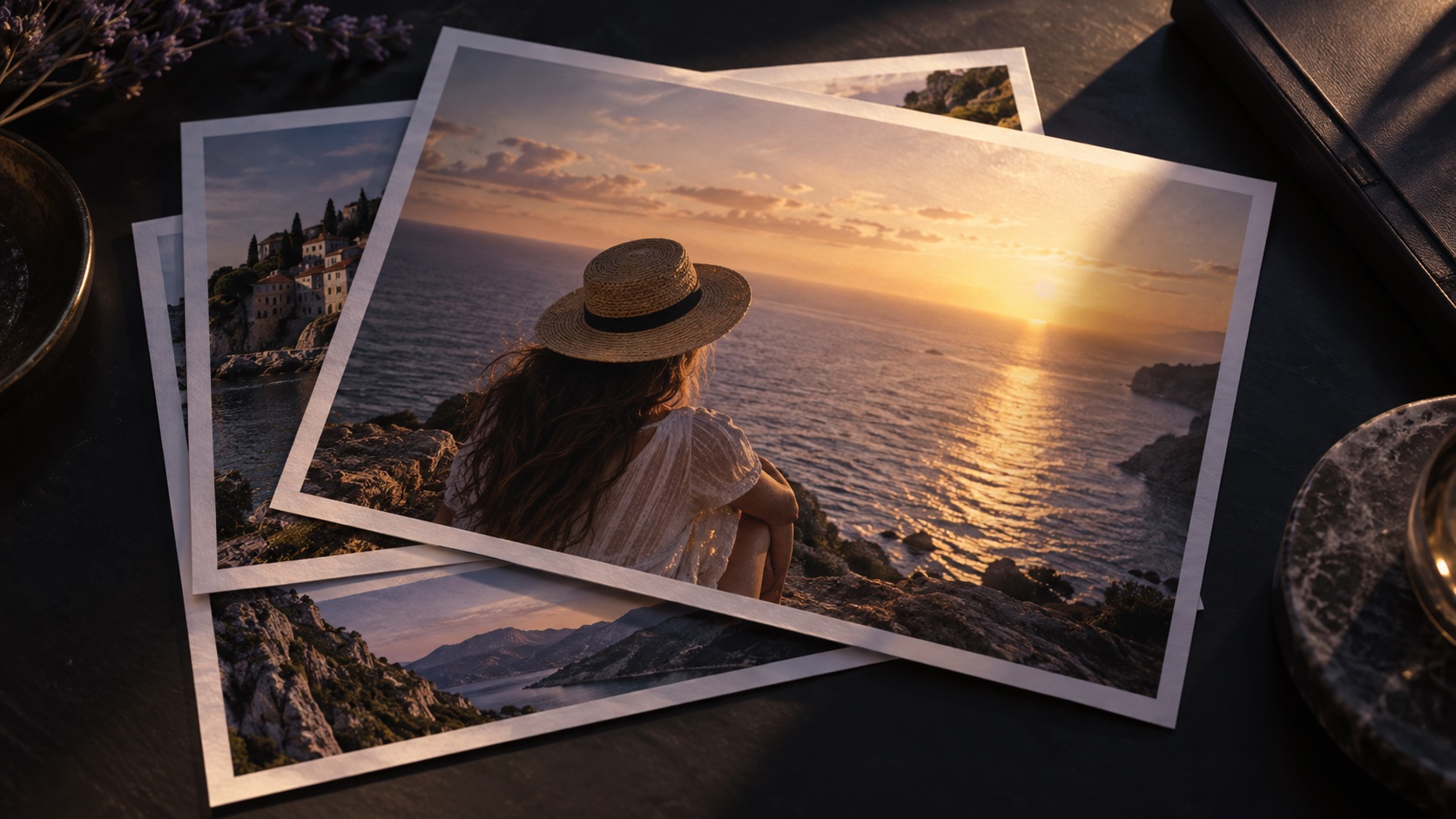
Slide: photo to video
TOVA / YOUTUBE SHORTS
Watch it. Then make it.
Official TOVA Shorts, paired with guides you can follow.
 YouTube Shorts
Get started with TOVA
Watch & read ↗ YouTube Shorts
Video comparison & before/after
Watch & read ↗ YouTube Shorts
Timeline & clip editing
Watch & read ↗ YouTube Shorts
TalkMaker conversation videos
Watch & read ↗ YouTube Shorts
Slide: photo to video
Watch & read ↗ YouTube Shorts
Slide: photo to video
Watch & read ↗ YouTube Shorts
PIP, layers & masks
Watch & read ↗ YouTube Shorts
Text, music & voiceover
Watch & read ↗ YouTube Shorts
Text, music & voiceover
Watch & read ↗ YouTube Shorts
Video format conversion
Watch & read ↗ YouTube Shorts
A 30-second travel story
Watch & read ↗ YouTube Shorts
Four clips, one frame — TOVA collage concept
Watch & read ↗ YouTube Shorts
Freeze the moment — TOVA concept preview
Watch & read ↗ YouTube Shorts
Hide the next scene — TOVA mask reveal preview
Watch & read ↗ YouTube Shorts
Make your title an entrance — TOVA text reveal preview
Watch & read ↗ YouTube Shorts
A new clip, an old memory — TOVA VHS concept preview
Watch & read ↗ YouTube Shorts
Sound off. Keep the message — TOVA caption concept
Watch & read ↗ YouTube Shorts
Three photos. A little story. | TOVA
Watch & read ↗ YouTube Shorts
Give your highlight a moment. | TOVA
Watch & read ↗ YouTube Shorts
Coffee… or a coastline? | TOVA
Watch & read ↗ YouTube Shorts
Make this feel like a memory | TOVA
Watch & read ↗ YouTube Shorts
One waterfall, two moods | TOVA
Watch & read ↗ YouTube Shorts
One photo, an opening shot | TOVA
Watch & read ↗ YouTube Shorts
Three layers, one travel memory | TOVA
Watch & read ↗ YouTube Shorts
One glitch, a different opening | TOVA
Watch & read ↗ YouTube Shorts
Keep the date, keep the memory | TOVA
Watch & read ↗ YouTube Shorts
Let the color arrive slowly | TOVA
Watch & read ↗ YouTube Shorts
Stop riding the volume button | TOVA
Watch & read ↗ YouTube Shorts
Title first or action first? | TOVA concept
Watch & read ↗LEARN BY MAKING
A good place to start
FIND YOUR NEXT STEP
Explore the library
49 guides
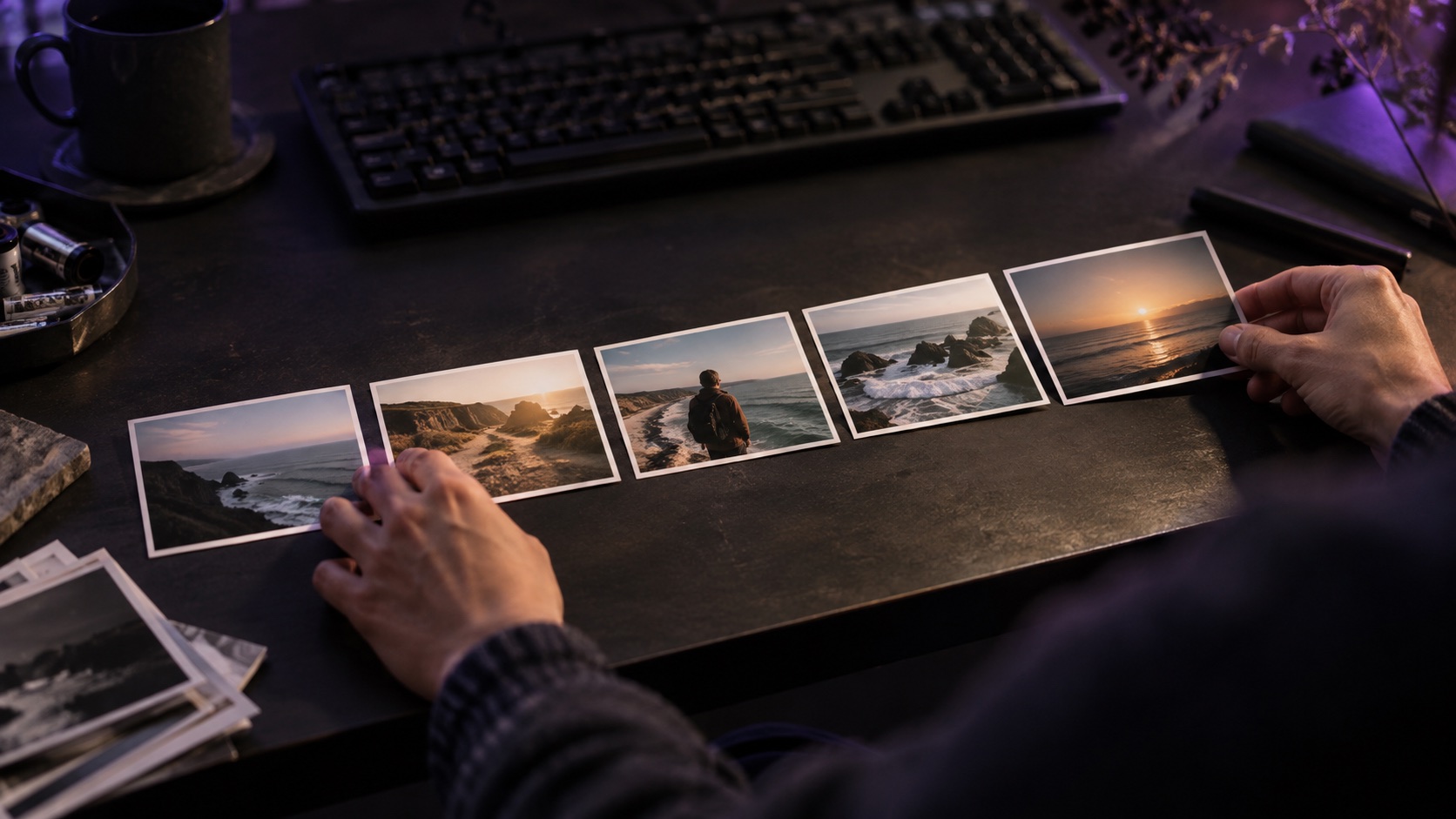 Edit With video
Timeline & clip editing
Bring videos and photos together in the TOVA editor. Trim, split, reorder and connect scenes with transitions to shape travel films, product stories and everyday recordings.
Read the guide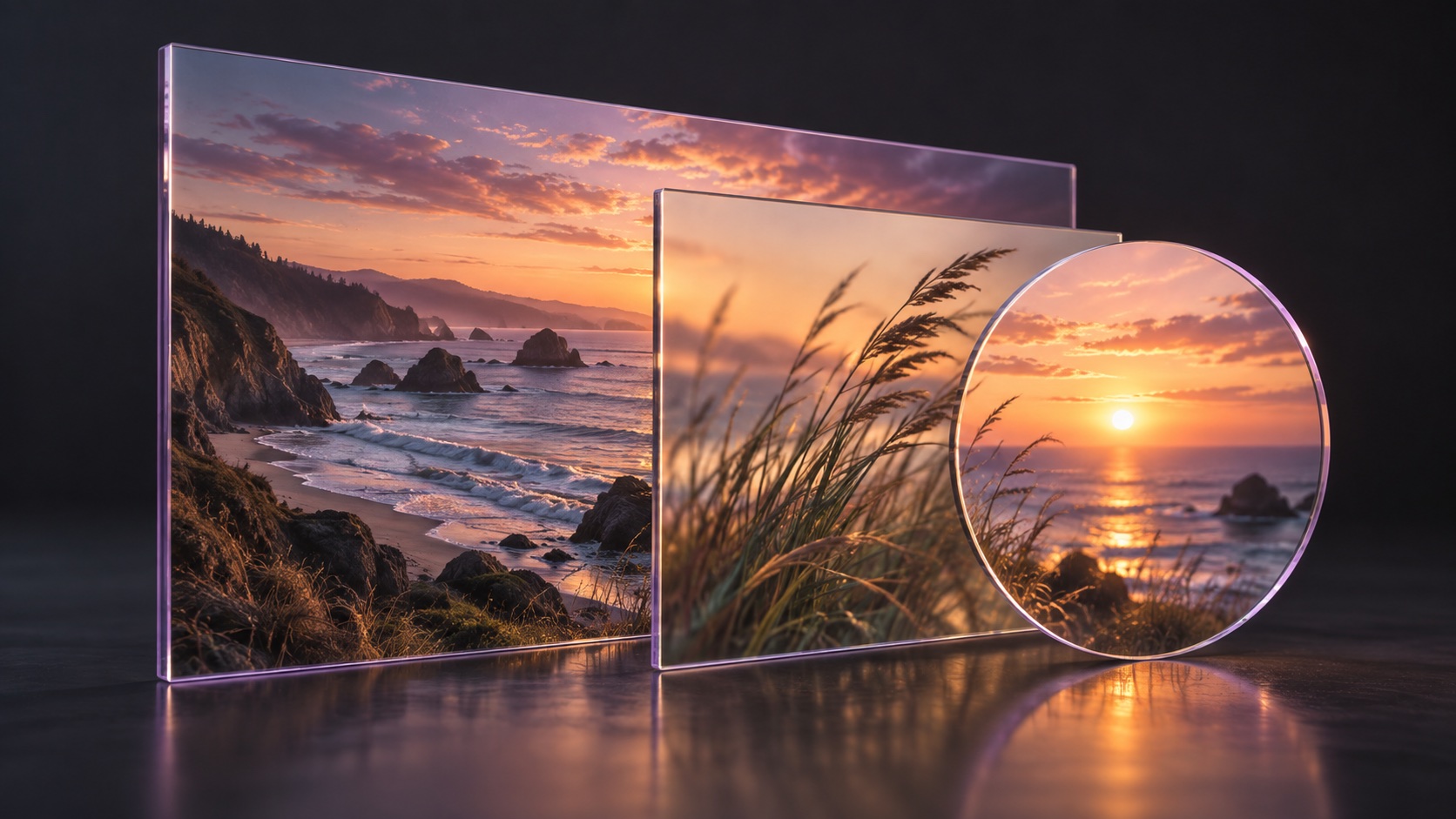 Edit With video
PIP, layers & masks
Compose with picture-in-picture video and images, masks, blends and overlays. Build supporting views for an explanation or combine visual layers for a distinctive atmosphere.
Read the guide Edit
EditSpeed curves & reverse
Move beyond a single playback speed. Shape a clip with a speed curve and reverse playback to give movement, reveals and scene changes their own rhythm.
Read the guide Edit
EditFilters, color & effects
Start with a filter and refine the image with color adjustments. Combine effects, overlays and motion blur to create a style that supports what is happening in the frame.
Read the guide Edit With video
Text, music & voiceover
Combine titles, manually authored captions, stickers, music, sound effects and recorded narration. Bring what the viewer reads and hears into the same editing workflow.
Read the guide Edit
EditCanvas, projects & export
Choose a portrait, square or landscape canvas, keep a local project draft and select export settings. Finish the edit with its viewing destination in mind.
Read the guide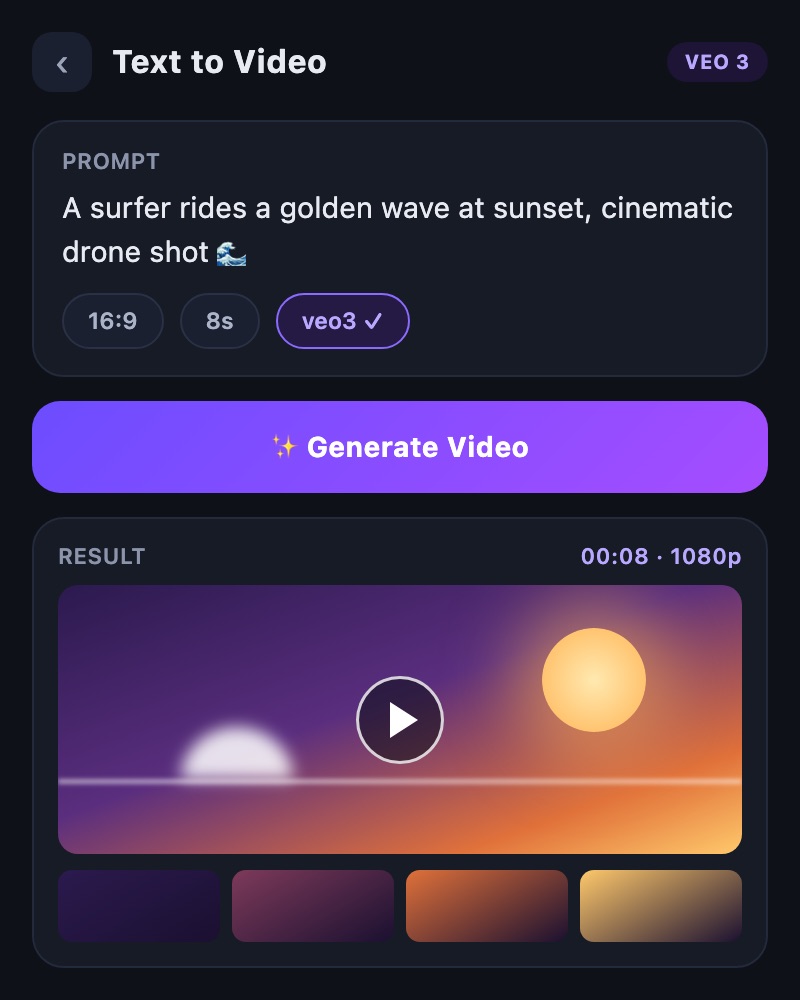 Create
AI text to video
Start with a description when you do not yet have footage. Generate a scene with TOVA’s text-to-video tool, review the result and use it as material for your edit.
Read the guide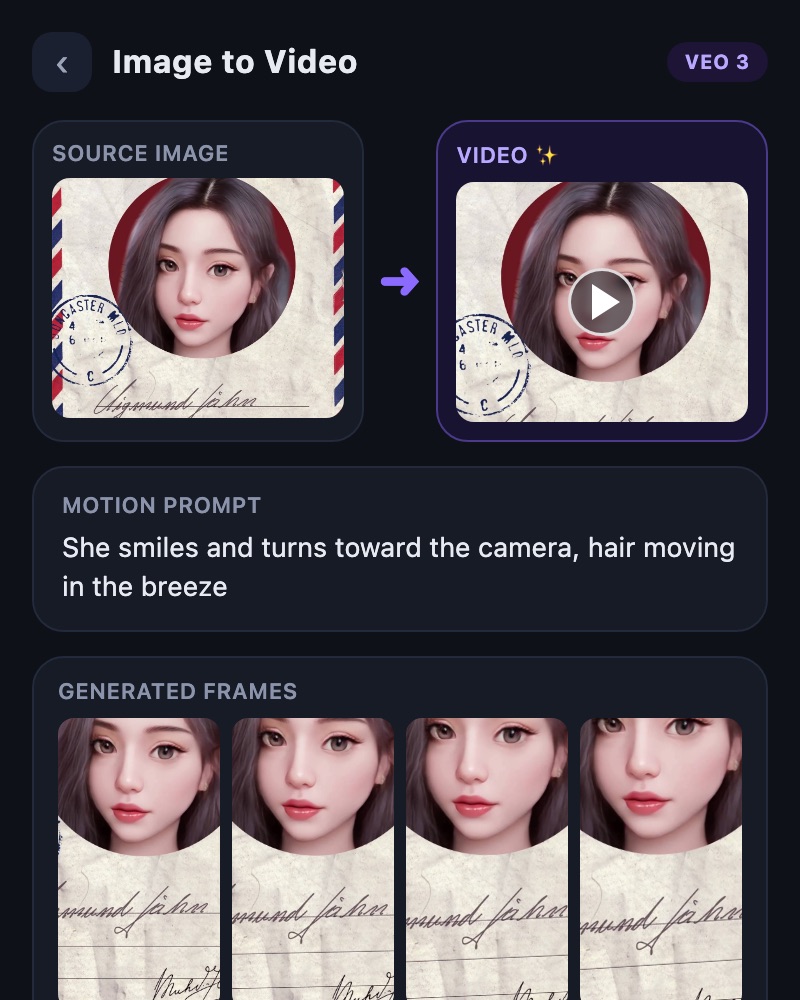 Create
AI image to video
Use a photo or image as the starting point for AI-generated motion. TOVA’s image-to-video tool turns a still reference into a creative request for a moving scene.
Read the guideCreate With videoSlide: photo to video
Select photos in TOVA’s Slide tool and build a sequence with music, text and transitions. Turn a travel album, family collection or product photos into a video people can watch together.
Read the guide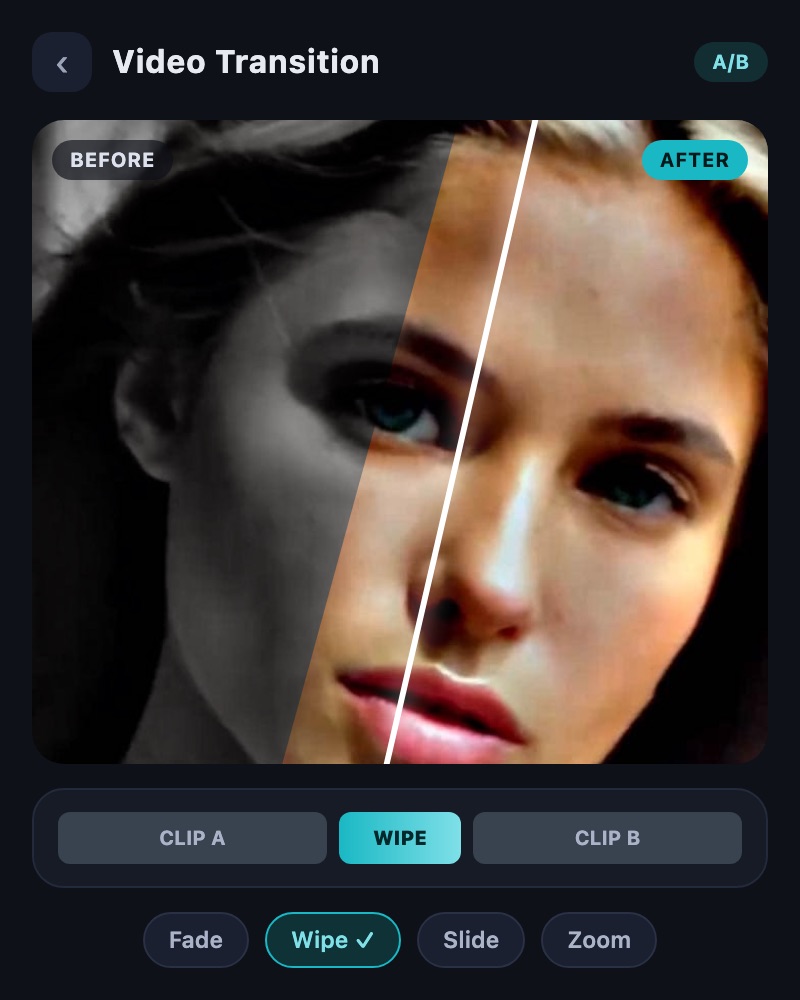 Export & share With video
Video comparison & before/after
Compare two videos side by side or create a transition-based comparison video. TOVA’s Video Comparison and Simple Video Transition tools help communicate an edit, a process or a visible change.
Read the guide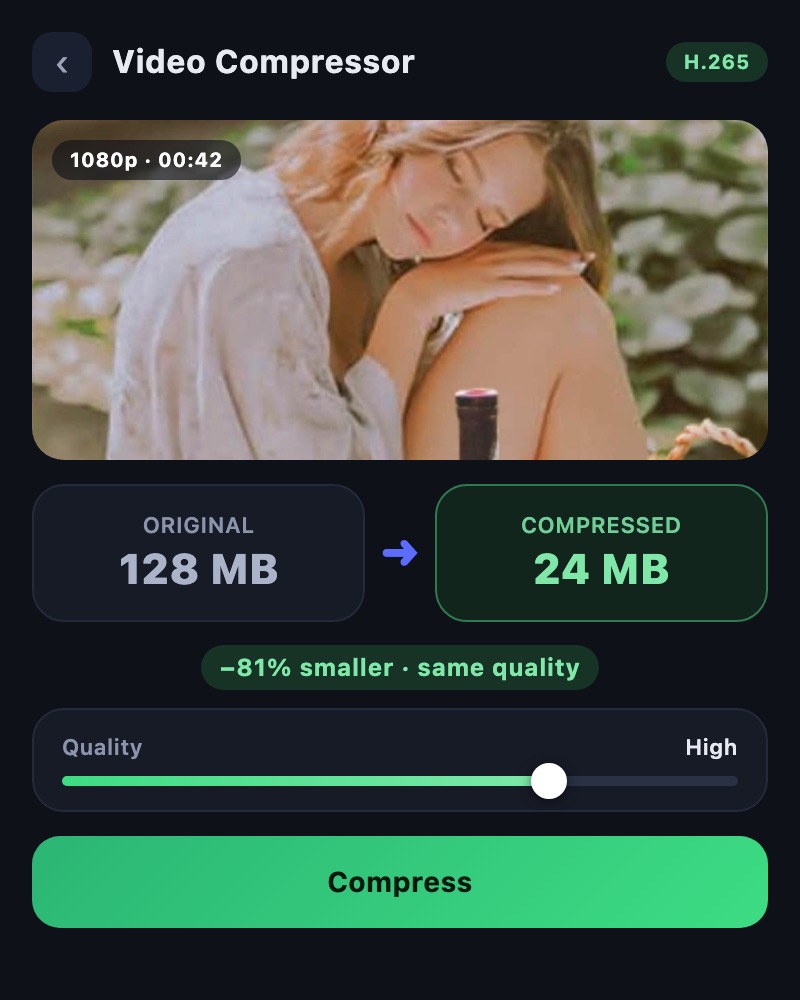 Export & share
Video compression
Work through resolution, bitrate, codec and audio in TOVA Video Compressor. Check the size estimate, compare the finished result and prepare a practical copy for sharing.
Read the guide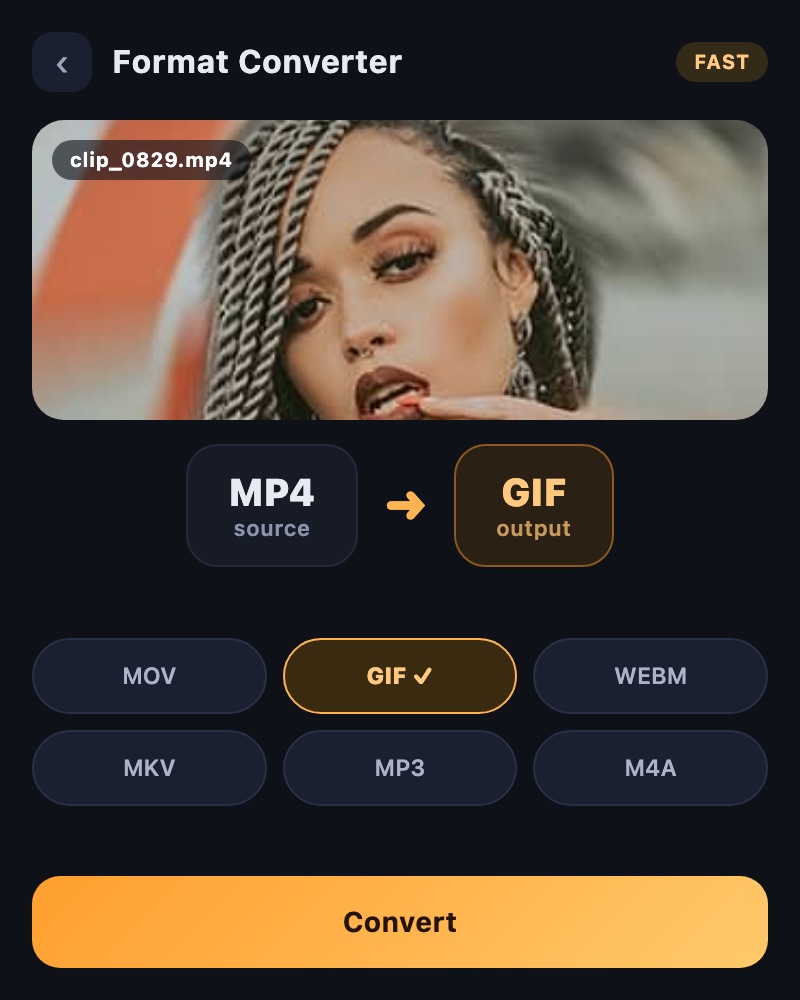 Export & share With video
Video format conversion
Choose an output format and supported codec, resolution and frame rate in TOVA Format Converter. Prepare a version for the app, player or storage destination where it will actually be used.
Read the guide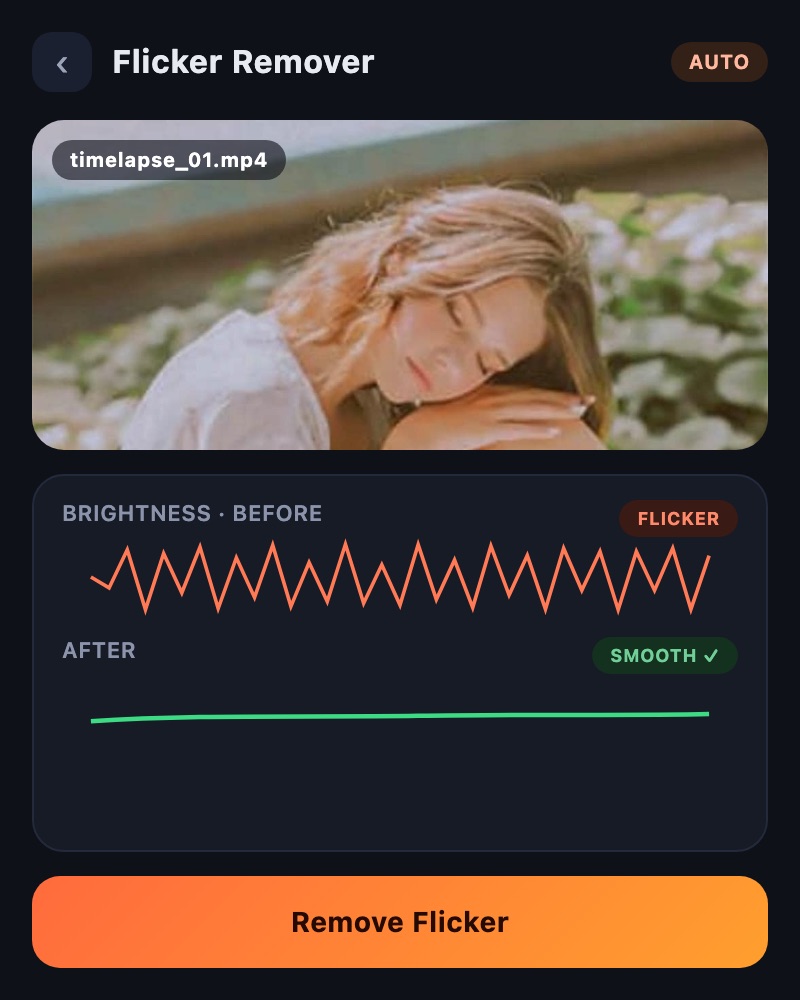 Enhance
Video flicker removal
Explore TOVA Flicker Remover when repeated brightness changes distract from a recording. Use the dedicated processing tool and evaluate the result against the motion in your footage.
Read the guide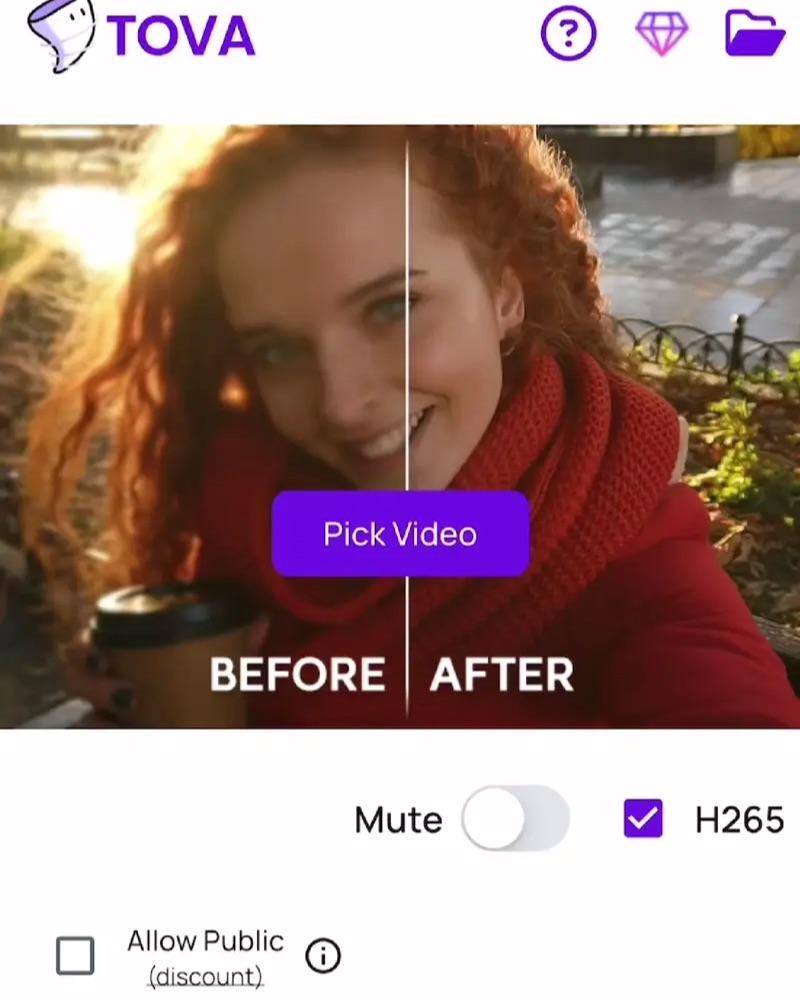 Enhance
On-device quality enhancement
Try TOVA Quality Enhancer on a short video before processing more. Prepare the source, compare detail before and after, and save the version that works for your edit.
Read the guide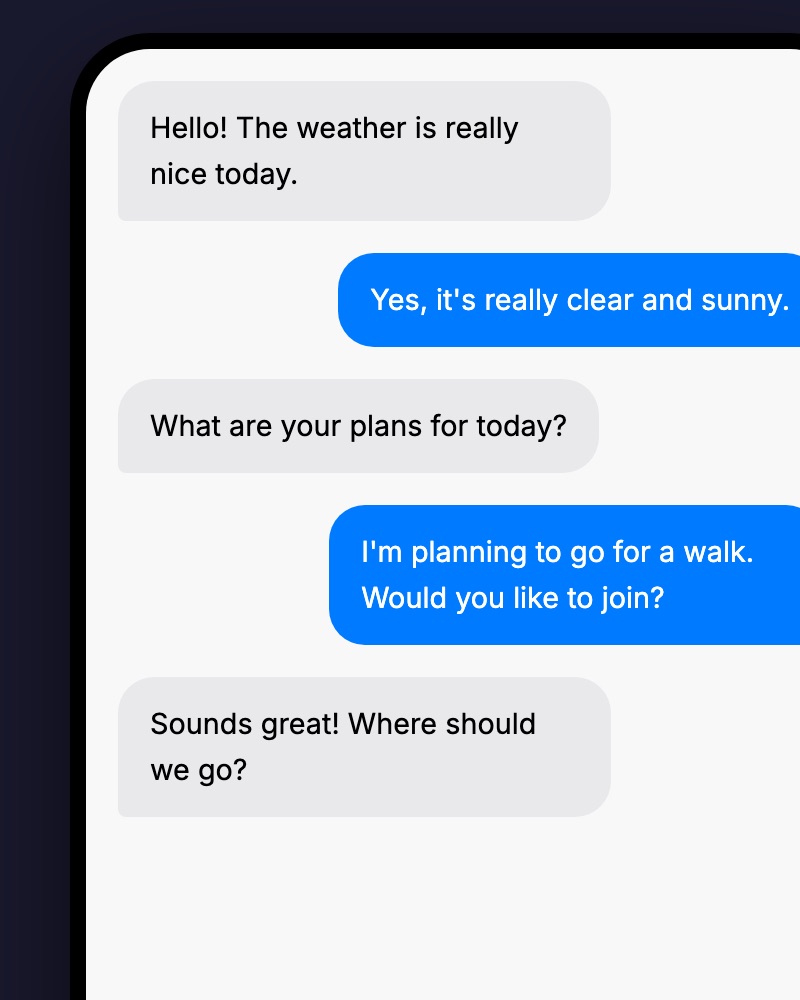 Create With video
TalkMaker conversation videos
Open TalkMaker from TOVA to create messenger-style conversation videos. Present a question and answer, a relatable episode or a short story through an unfolding exchange.
Read the guide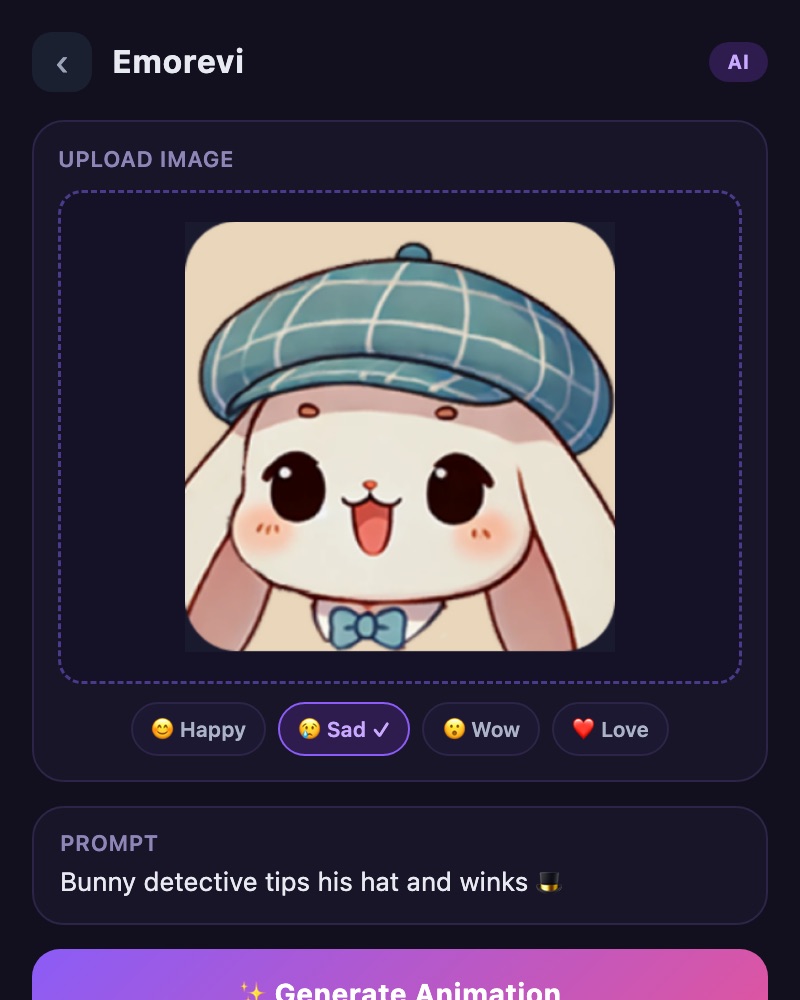 Create
Emorevi animated characters
Explore animated emotional characters and sticker creation through Emorevi, available from TOVA. Use expression and movement as a different way to communicate a reaction.
Read the guideUse cases With videoA 30-second travel story
Build a travel film from photos and short clips. Learn what to keep, how to order it and how to shape a simple 30-second sequence.
Read the guideUse casesA clear product story
Sequence an overall view, a useful detail and a real demonstration. Build a short product video that helps viewers understand what they are seeing.
Read the guideUse casesA tutorial people can follow
Separate preparation, key steps and the finished result. Use inset views and short text to make a demonstration easier to follow.
Read the guide Use cases
Family memories, made for watching together
Build a birthday, anniversary or growing-up story. Learn how to combine older material with recent photos and prepare a copy for sharing.
Read the guideUse casesShape a short-form video
Choose what to keep and what to trim in a vertical story or short highlight. Focus on shot order and readable text before adding effects.
Read the guide Use cases
Edit gameplay highlights
Keep enough context to make a gameplay highlight understandable. Connect trimming, speed adjustments and a smaller sharing copy in one workflow.
Read the guide Use cases
A space tour with a clear route
Introduce a shop, studio or place to stay with a route viewers can follow. Connect the entrance, main areas and smaller details.
Read the guideEnhanceAI upscaling & video resolution
Resizing, sharpening and AI enhancement are different operations. Use this TOVA workflow to choose a source, compare a larger result and preserve useful detail in the final export.
Read the guideEnhanceAI frame interpolation
AI frame interpolation estimates intermediate motion between existing frames. Learn when to try it and which parts of the result deserve a closer look.
Read the guideEnhancePrepare a 60fps video
60fps describes playback at 60 frames per second. Understand the source frame rate, interpolation and export settings before comparing the result.
Read the guideEnhanceUse AI slow motion
Review the roles of speed editing and interpolation when slowing a brief action. Choose the key moment and give it enough time without losing the rhythm of the edit.
Read the guideEnhanceHDR, brightness and color
What should you compare when bright skies and dark faces share a frame? Follow a practical review process for the app’s brightness and color enhancement options.
Read the guide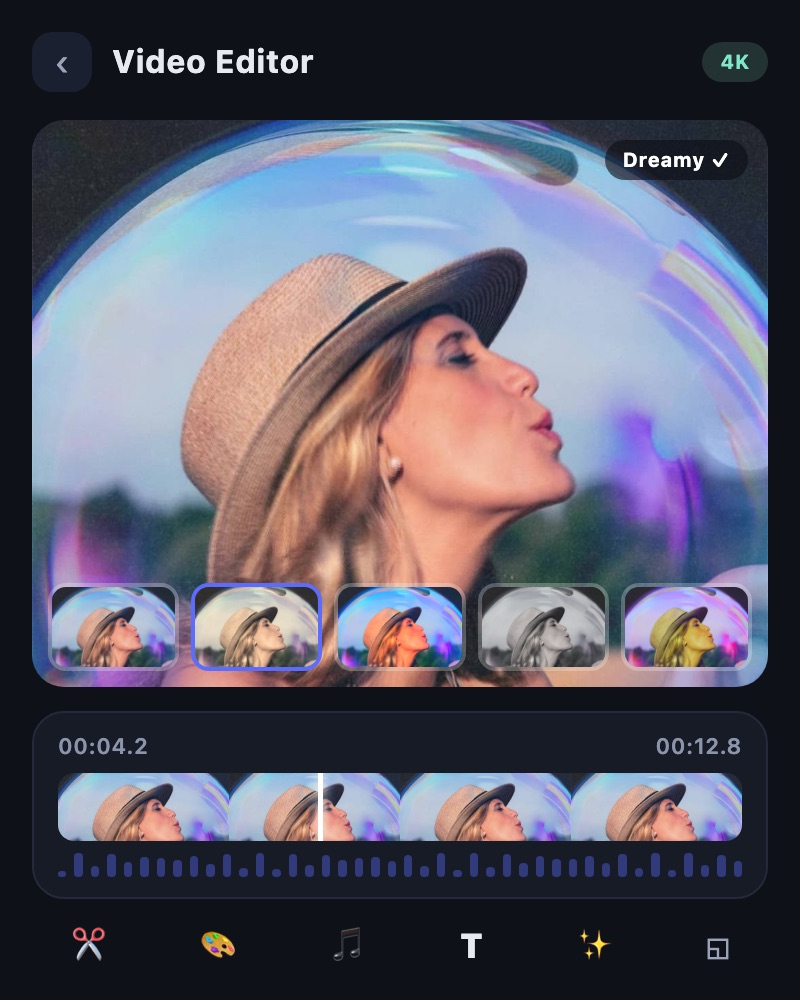 Create With video
Get started with TOVA
Recorded footage, a photo collection or a scene you want to create. Choose a starting point across editing, Slide, AI generation and video enhancement based on what you have and what you want to make.
Read the guideExport & shareMake a video fit a sharing limit
Follow a TOVA workflow for a video that is too large to attach or upload. Trim the story, adjust compression and test the finished file where it will be received.
Read the guideEnhanceChoose the right video quality fix
An unsatisfying picture can have several causes. Match the problem to TOVA’s Quality Enhancer, color controls, Smooth Booster or Flicker Remover, then compare a short result.
Read the guideUse cases With videoFour clips, one frame — TOVA collage concept
A TOVA concept preview exploring a four-panel video layout. This is a demand test, not a demonstration of a feature currently available in the app. No launch date is promised.
Read the guideUse cases With videoFreeze the moment — TOVA concept preview
The same clip plays continuously, then pauses for 1.6 seconds before motion resumes. This is a TOVA concept preview, not a demo of a currently available app feature.
Read the guideUse cases With videoHide the next scene — TOVA mask reveal preview
Compare the same ocean and waterfall clips with two transitions. This TOVA concept preview explores a visual style; it is not an in-app tutorial or a promise that this exact effect is currently available.
Read the guideUse cases With videoMake your title an entrance — TOVA text reveal preview
Compare a static title with lettering revealed across the same moving shot. This TOVA concept preview explores an editing style; it is not an in-app demonstration.
Read the guideUse cases With videoA new clip, an old memory — TOVA VHS concept preview
Compare the same waterfall with a clean image and a VHS-inspired look. This is a TOVA concept preview, not an in-app demonstration.
Read the guideUse cases With videoSound off. Keep the message — TOVA caption concept
Watch the same scene and spoken message without captions, then with readable captions. This is a TOVA concept preview, not an in-app auto-caption demonstration.
Read the guideUse cases With videoThree photos. A little story. | TOVA
A quiet place, fresh air, one more moment outside. See three still pictures become a short moving edit. This specific layout and motion are a style concept preview, not an in-app recording.
Read the guideUse cases With videoGive your highlight a moment. | TOVA
Watch the same wave in normal timing and with a brief freeze before it keeps moving. This is a TOVA concept preview, not a recording of the effect running inside the app.
Read the guideUse cases With videoCoffee… or a coastline? | TOVA
A coffee cup becomes an ocean cove in one imagined transition. This is a TOVA concept preview, not a current in-app feature or a recording of the app.
Read the guideUse cases With videoMake this feel like a memory | TOVA
A warm film-look direction for travel memories. TOVA concept preview, not a current in-app film-camera preset demonstration.
Read the guideUse cases With videoOne waterfall, two moods | TOVA
Bright and fresh or cool and moody: a TOVA color study concept. This is not an in-app preset demonstration.
Read the guideUse cases With videoOne photo, an opening shot | TOVA
A slow push-in or a gentle pan can give a still travel photo a sense of motion. Explore this TOVA concept preview.
Read the guideUse cases With videoThree layers, one travel memory | TOVA
A moving background, a photo inset and a title give a travel moment a story. Explore this TOVA concept preview.
Read the guideCreate With videoOne glitch, a different opening | TOVA
Compare a quiet travel scene with a short glitch hit in this TOVA concept preview.
Read the guideCreate With videoKeep the date, keep the memory | TOVA
A film-date styling concept for travel diaries and personal memories.
Read the guideCreate With videoLet the color arrive slowly | TOVA
Compare an instant color change with a gradual filter reveal.
Read the guideCreate With videoStop riding the volume button | TOVA
Hear the same two voice clips before and after balancing.
Read the guideCreate With videoTitle first or action first? | TOVA concept
Compare the same three-second title and three-second scene in a different order.
Read the guideMore to read
From the TOVA article archive
CREATE WITH TOVA
Make your next video your own.
Open TOVA, choose your photos and clips, and put what you learned into practice.