01 / Before you begin
Before you begin
Check the actual destination limit
Size and format requirements vary by service and sometimes by attachment method. Check the current sending screen. Numbers in this guide are calculation examples, not a stated limit for any particular service.
Remove waiting time first
If the whole recording will not fit at a useful quality, decide which moments are essential. Use the TOVA editor to remove waiting time, repeated shots and a long ending. Replay the sequence so speech and important demonstration steps remain complete.
Balance dimensions with readability
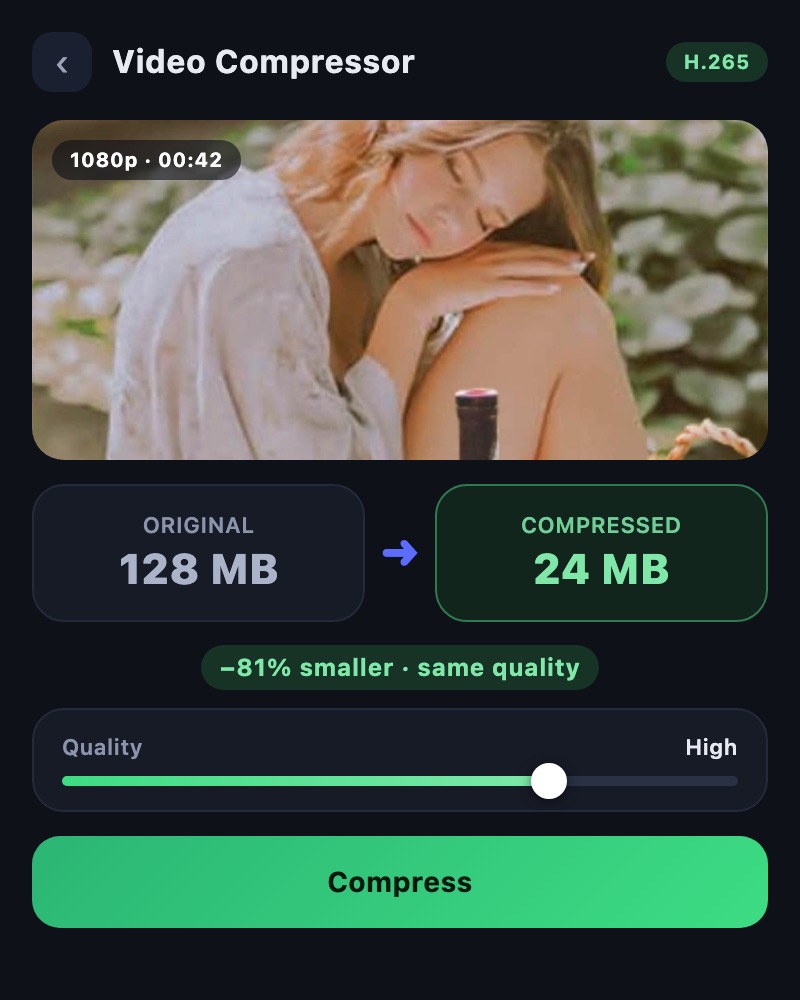
In Video Compressor, choose an available Resolution and adjust Bitrate while checking Estimated Size. Judge explanations by readable text, portraits by expressions and sports by motion. A smaller file is not useful if the important content becomes unclear.
Treat the estimate as a starting point
File size is approximately proportional to combined average bitrate and duration. For example, video and audio totaling 2 Mbps over 40 seconds represent about 10 MB of data, using decimal units and excluding container overhead. Actual encoding and displayed units affect the result. TOVA’s workflow compares settings and estimated size rather than accepting an exact target MB value.
Check the completed delivery copy
Leave room below the limit instead of targeting it exactly. Check actual size and sound in the saved file, then test playback in the receiving app. If size is acceptable but playback fails, investigate format and codec before applying more compression.
02 / Follow these steps
Follow these steps
Check the current size and format requirements at the destination.
Keep the source and trim the edit if useful.
Select the delivery video in Video Compressor.
Adjust Resolution and Bitrate while comparing the estimate.
Choose a suitable Codec and decide whether to include audio.
Check actual size and important scenes after compression.
Test playback in the receiving app and send the delivery copy.
03 / Try this sequence
Try this sequence
For a shop-visit video that only needs a greeting and product demonstration, remove setup time and repeated explanations first. Retain dimensions that keep the product name readable while adjusting bitrate. Test sound and playback on a colleague’s phone to judge the result against the real purpose.
Before you export
- Have you checked the destination’s current limit?
- Is the necessary content complete?
- Are text, expressions and audio clear?
- Have you checked actual size rather than only the estimate?
- Does the receiving app play the file?
Frequently asked questions
Can I enter an exact target size?
The current compression screen adjusts resolution, bitrate, codec and audio while showing an estimate. Do not assume it has an exact target-MB input.
Should I always use the lowest quality?
No. The content may become unreadable. Reduce unnecessary duration first, then find settings that retain useful text and facial detail.
What if the recipient cannot play the smaller file?
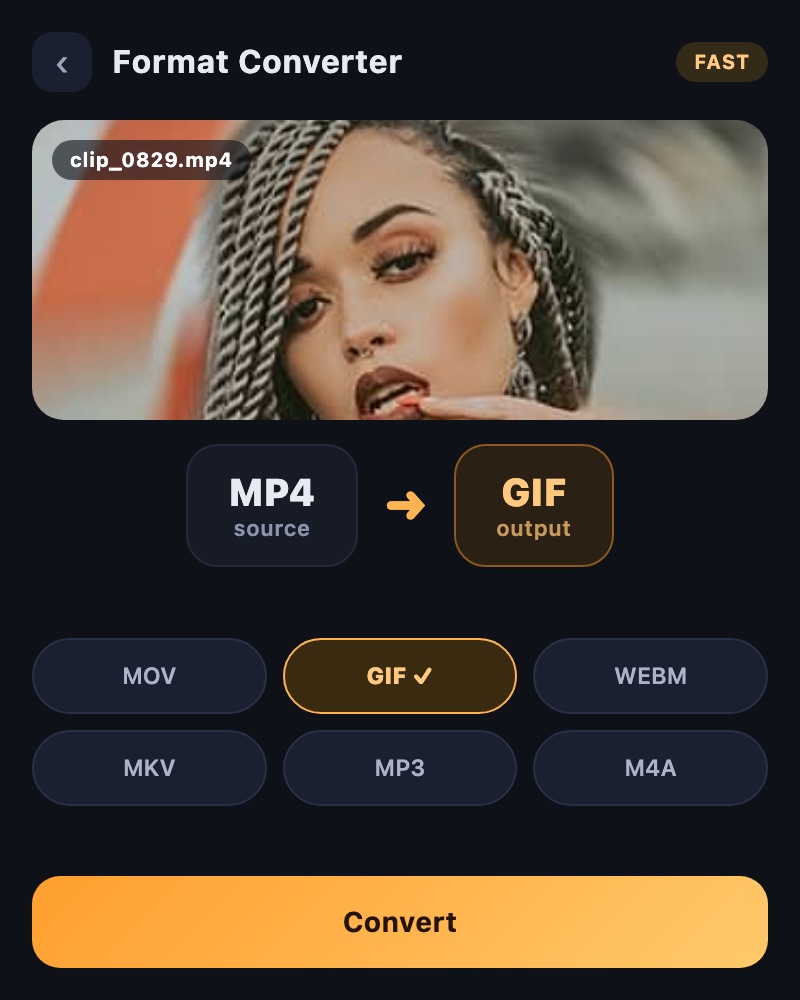
Size and playback compatibility are separate concerns. Review supported formats and codecs in Format Converter and test the receiving environment.
Can I delete the original?
A delivery copy may contain less information. Keep the original and project for later edits or different exports.
Available tools and export settings vary by app version and device. Check the app for the terms of AI generation and cloud processing.