A timeline for the whole story
Combine videos and photos, trim and split clips, change their order, and add transitions at the cuts. Shape your sequence without starting over.
Trim · Split · Reorder
CREATE · EDIT · ENHANCE
Bring ideas to life with AI, shape them in a powerful video editor, and give every video a polished finish. All in TOVA.
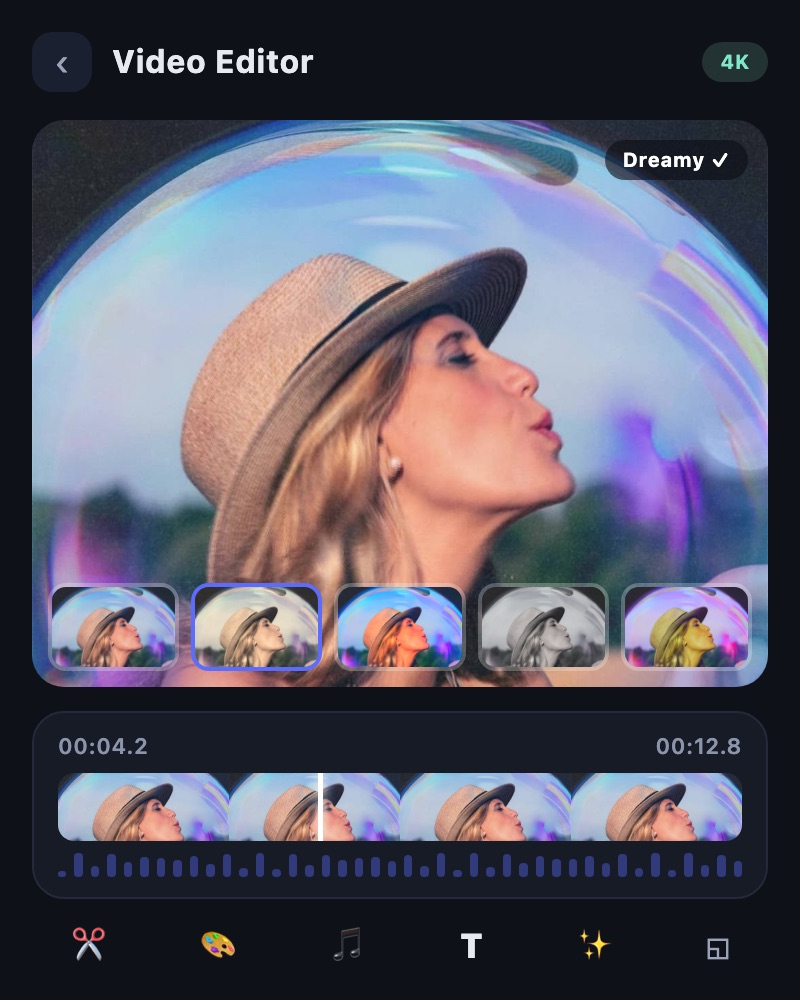
MEET THE EXPANDED VIDEO EDITOR
Build your story with video and photos on one timeline. Layer visuals, shape the pace, and bring text, music, and color together with precise creative control.
Combine videos and photos, trim and split clips, change their order, and add transitions at the cuts. Shape your sequence without starting over.
Trim · Split · Reorder
Add picture-in-picture video or images, text, and stickers. Use masks, overlays, and blend modes to build a more expressive composition.
PIP · Mask · Blend
Adjust clip speed or shape a speed curve for changing tempo. Use reverse playback and transitions to give highlights their own rhythm.
Speed curve · Reverse
Add music and sound effects, record a voiceover, or separate audio from a clip. Adjust volume and fades to balance your soundtrack.
Music · SFX · Record
Start with an idea, work with footage you already have, or prepare a finished video for sharing. Find the right tool in the app.
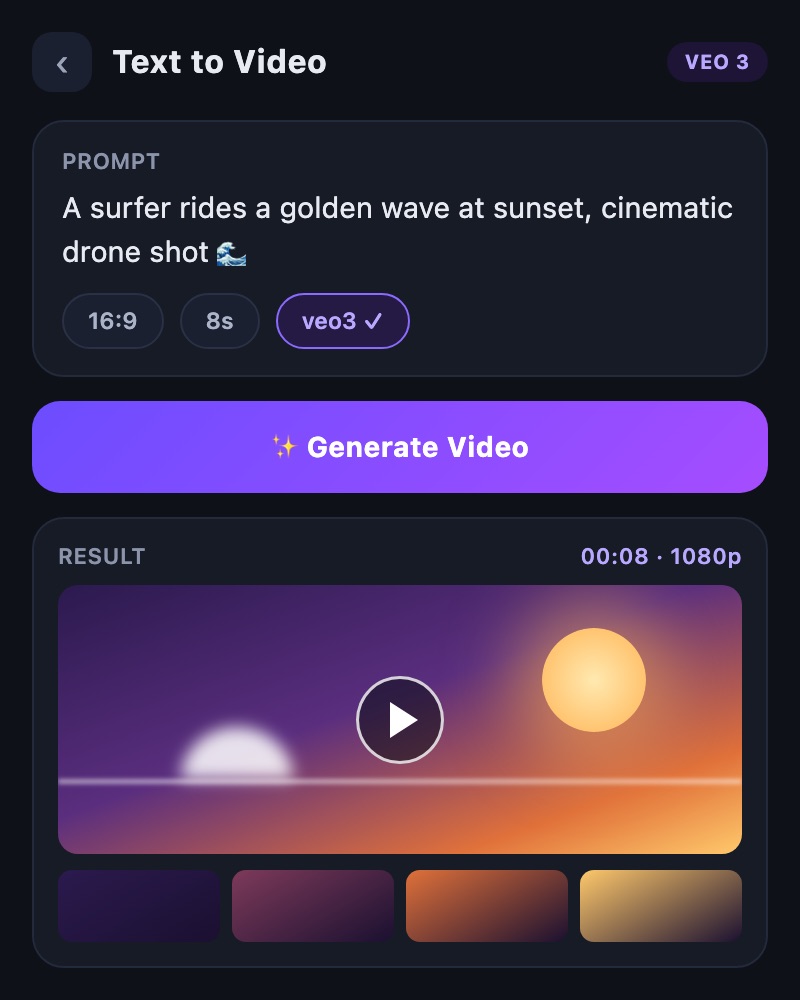
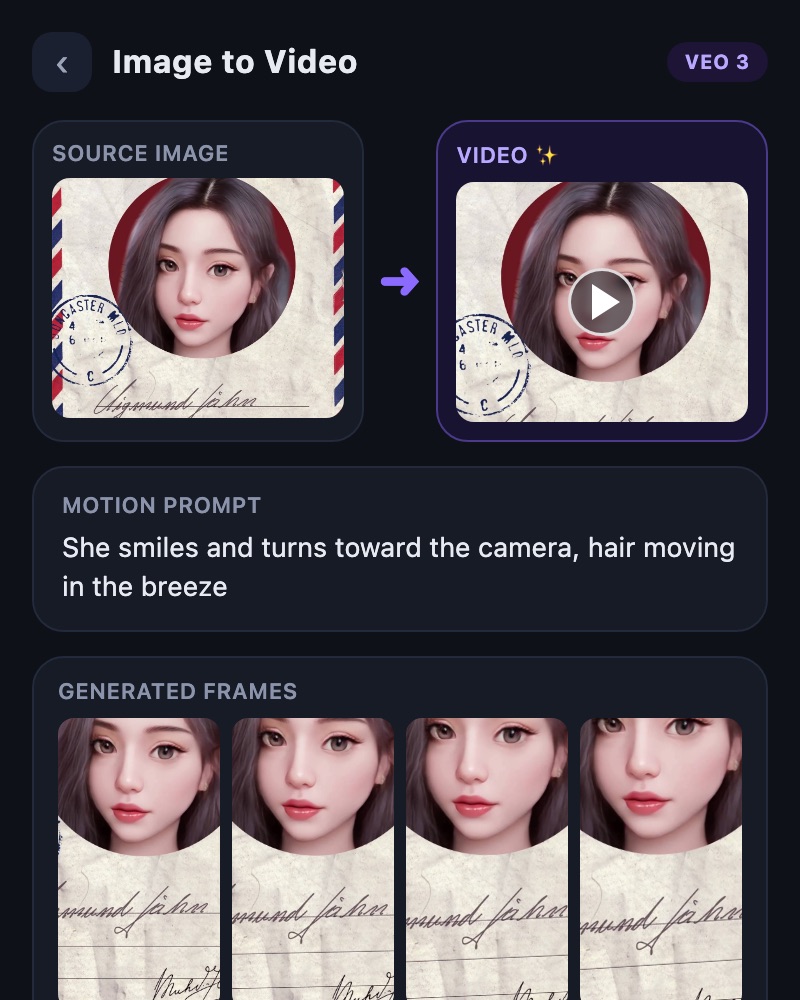
Turn a text description into a new video, or animate a still image with text-to-video and image-to-video tools.
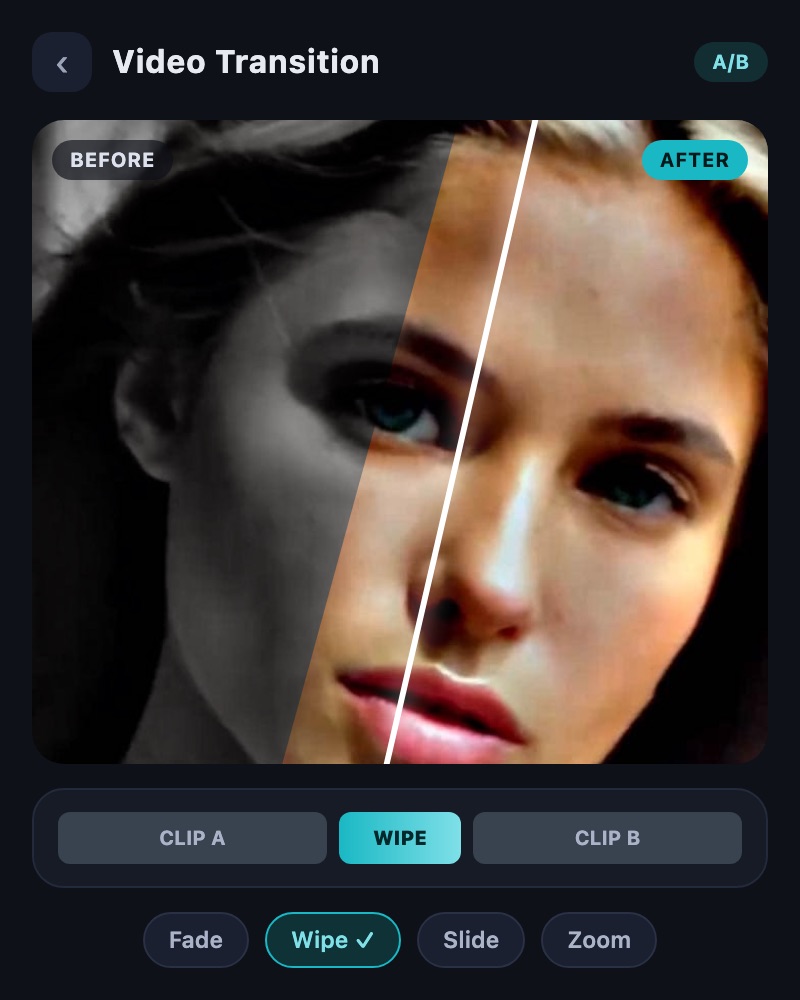
Compare two videos side by side, or create a comparison video with transition effects to show the change.
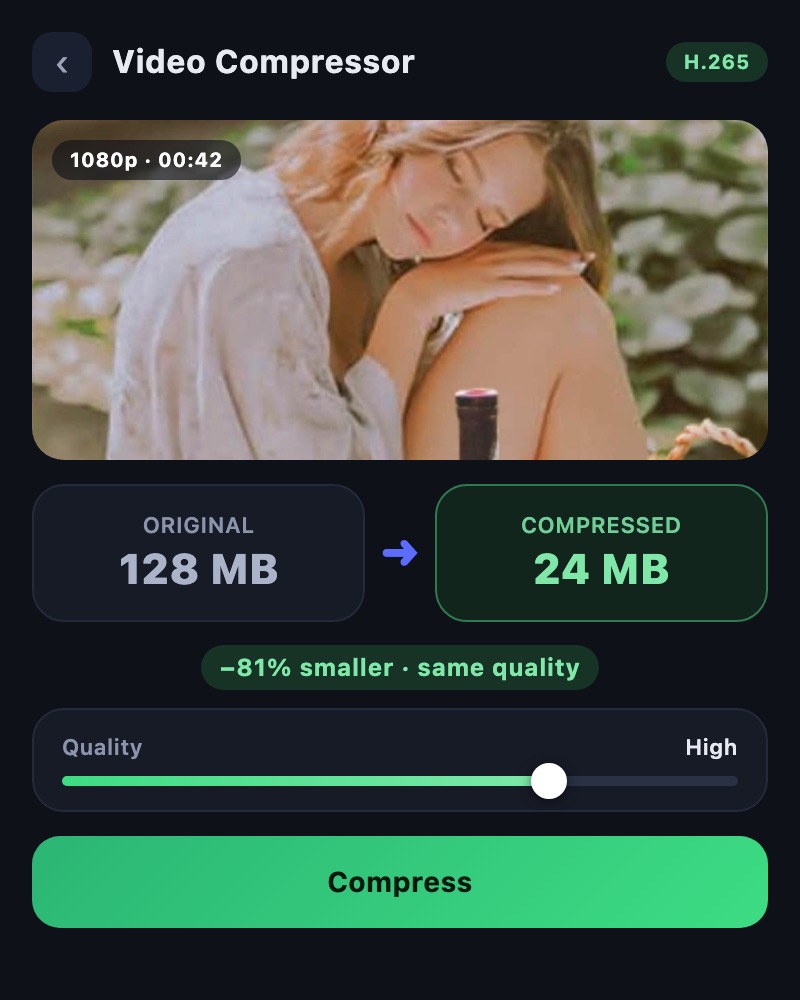
Reduce file size when a video needs to be easier to store, send, or upload.
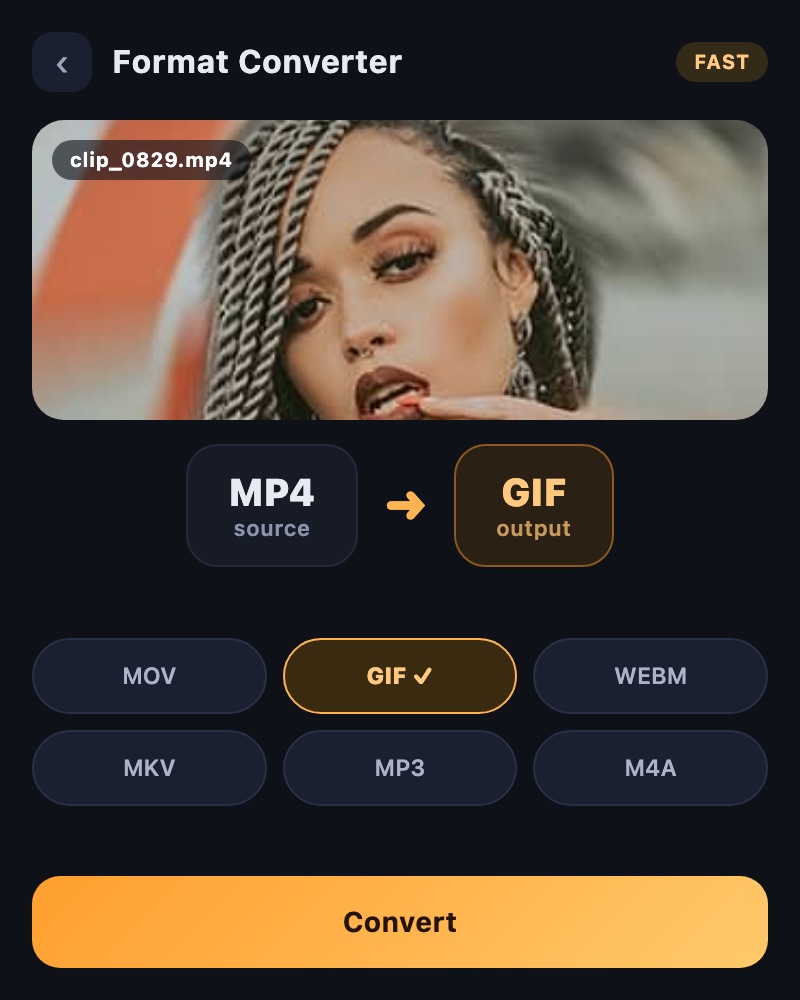
Convert videos for your next workflow with the app’s dedicated conversion tool.
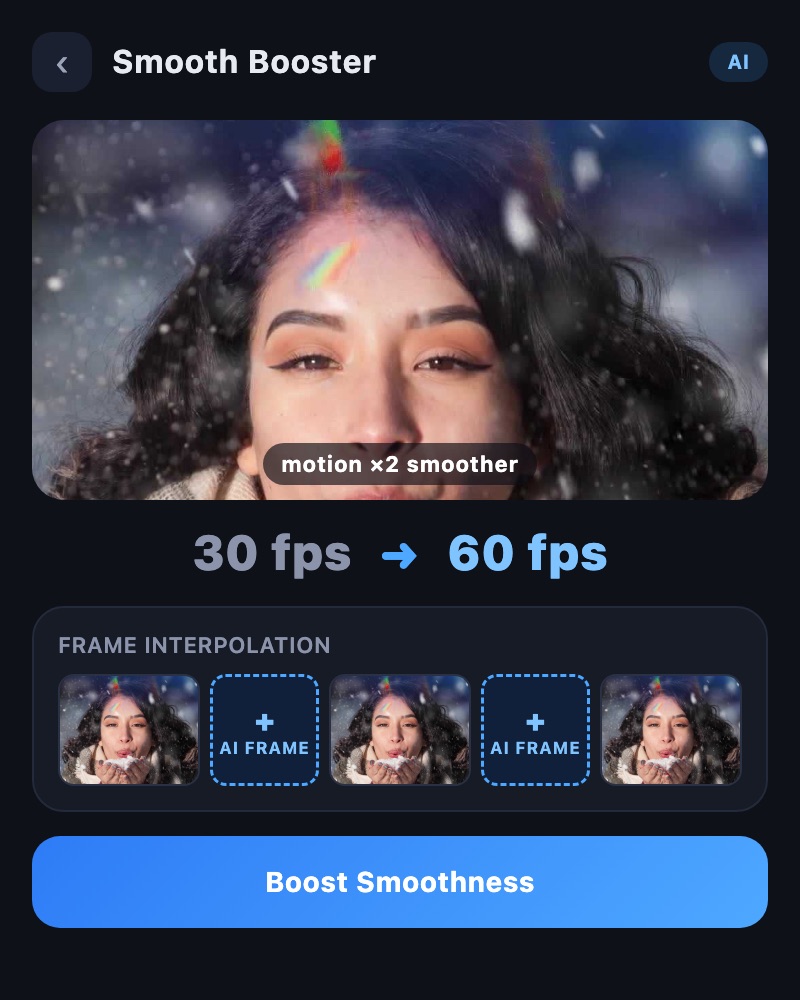
Use frame interpolation for more fluid movement, and speed tools for slow or fast playback.
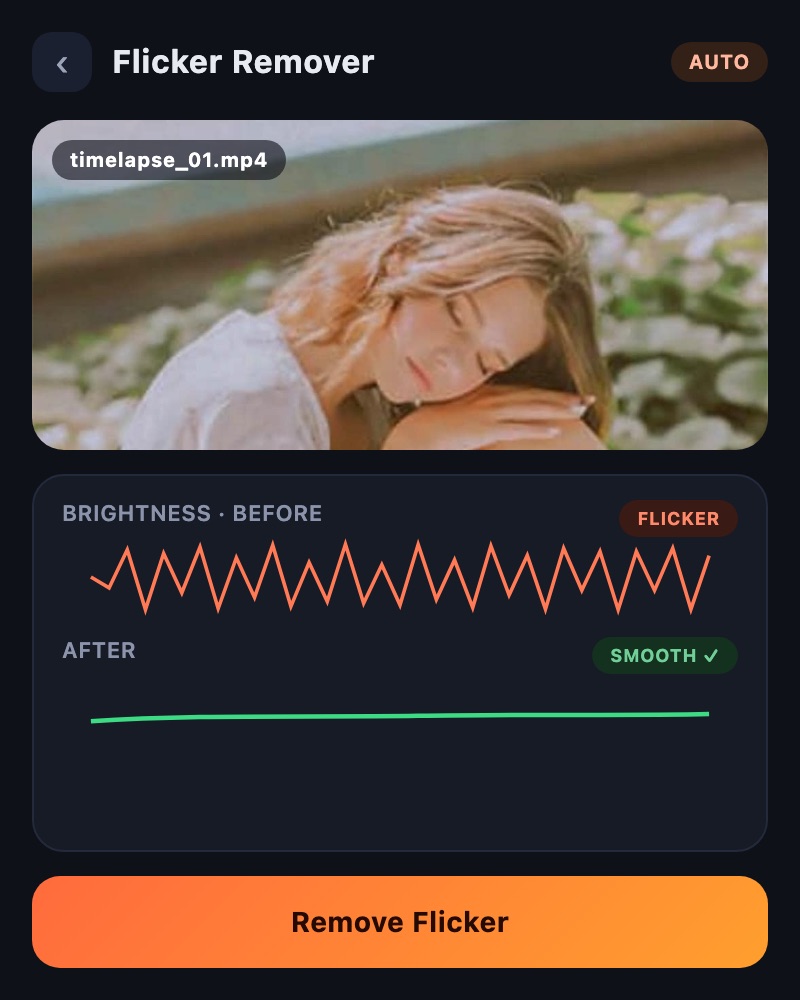
Recover detail with on-device quality enhancement and reduce distracting flicker with a dedicated tool.
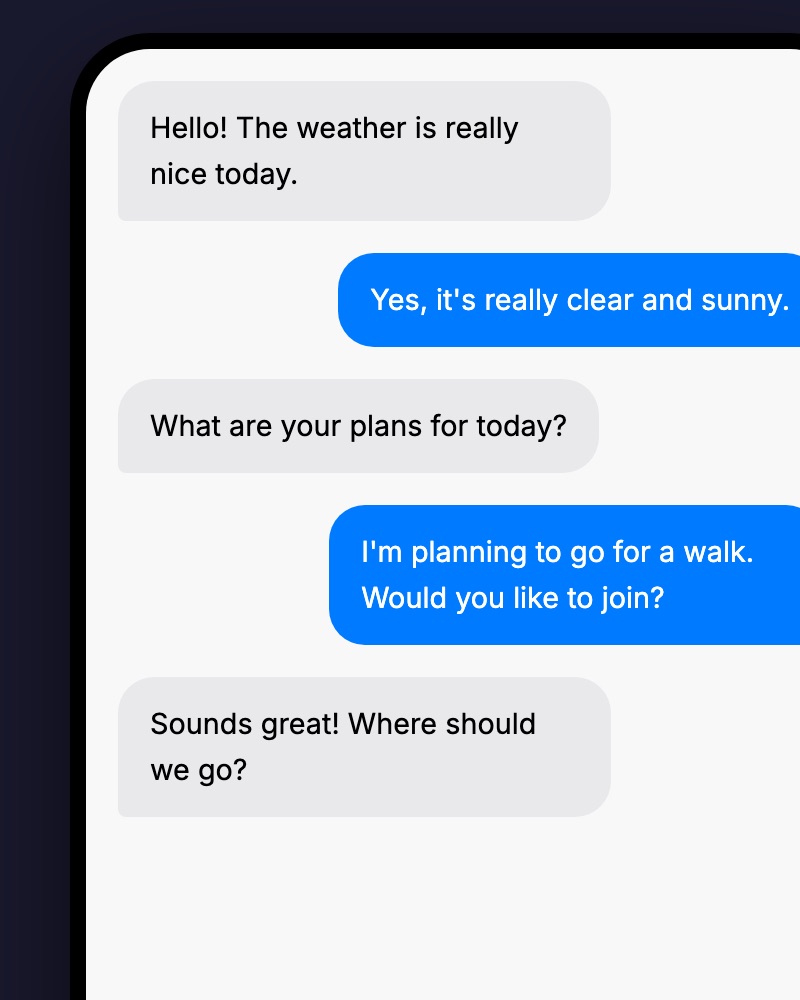
Create messenger-style conversation videos with AI for stories, explainers, and social content.
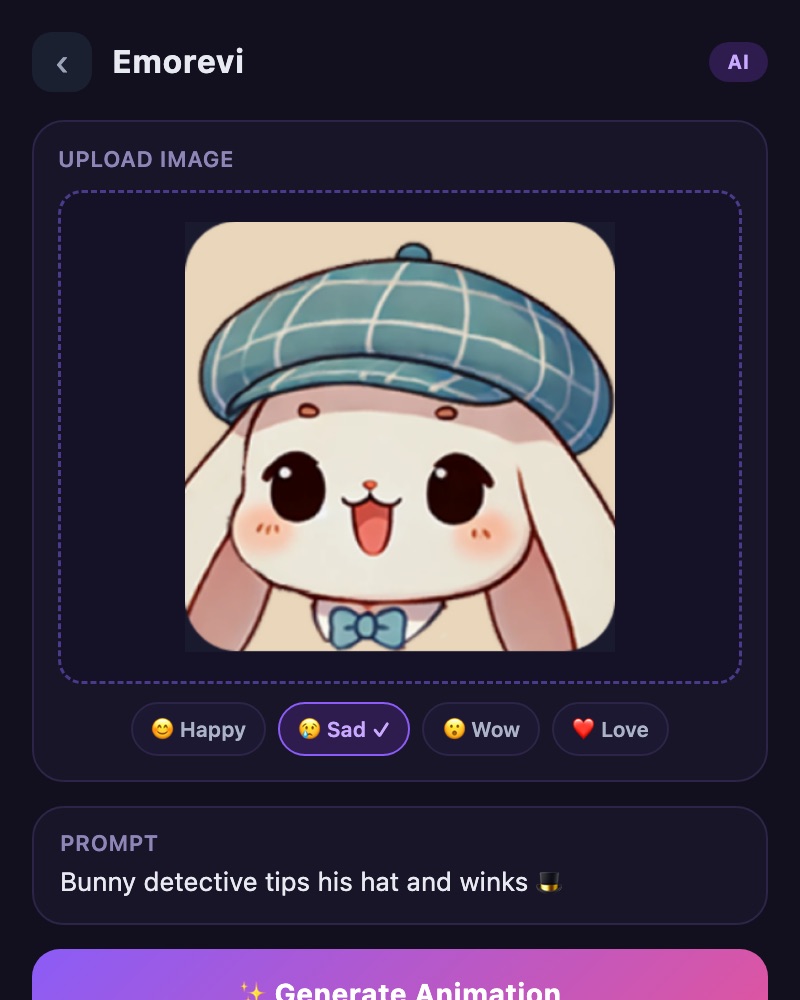
Explore an additional creative format by making animated emotional characters through Emorevi.
Arrange photos into a video with music, text and transitions. Create a travel album or a story from your gallery.
Feature availability depends on the app version, device, and selected tool. Check the app for processing options and ticket costs.
Professional-grade video processing tools powered by advanced AI algorithms
Transform your videos to stunning ultra-high resolution with our advanced AI algorithms.
Convert any video to buttery smooth 60fps playback with intelligent frame interpolation.
Create cinematic slow-motion effects with 4x/8x speed reduction.
Advanced AI creates smooth intermediate frames for fluid motion and professional-quality video playback.
Stunning HDR and color grading with vivid, natural, and cinematic color profiles for professional results.
GPU-accelerated processing ensures your videos are enhanced quickly without compromising on quality.
Experience the power of AI video enhancement with real examples
Choose your starting point. Make it your own. Get it ready to share.
Import video and photos, or create new footage with TOVA’s AI generation tools.
Arrange clips, add layers and text, shape color, and build your soundtrack in the video editor.
Preview and export your edit. Use enhancement, comparison, or compression tools whenever your project needs them.
Essential video enhancement tools available at no cost
Calculate perfect dimensions for YouTube Shorts, TikTok, and Instagram Reels
Check FPS, resolution, codec, and bitrate information from video files
Download high-quality thumbnails from any YouTube video
Extract tags and hashtags from YouTube videos for SEO optimization
Preview video safe zones for TikTok, YouTube Shorts, and Instagram Reels
View EXIF data including camera settings, GPS location, and shooting conditions
Combine trip videos and photos, connect scenes with transitions, then add music and titles for a personal travel film.
Build a vertical edit with PIP, text and stickers. Shape the pace with speed curves and prepare your video for sharing.
Combine demonstrations with picture-in-picture, add explanatory text and a recorded voiceover, then show a before-and-after comparison.
A closer look at the tools that help you turn everyday footage into a video that feels like yours.
Explore the video editorDiscover the endless possibilities with TOVA's AI video enhancement
See what our amazing users are creating and sharing with TOVA AI
Loading videos...
Open Video Editor in the TOVA mobile app’s tools screen. Keep the app updated to access the expanded editing tools. This webpage introduces the app’s features.
Yes. Build a sequence with photos and video clips, then add text, picture-in-picture, music, sound effects, and recorded voiceover.
Availability and processing options depend on the app version, device, and selected tool. AI generation and some cloud features may require tickets. Check the options and costs shown in the app.
Practical workflows, feature guides and ideas for your next video.
We would like to share with you useful Toktilab's other services.
Download TOVA now,
unlock your videos' true potential!




TOVA on Social Media
Discover amazing videos showcasing TOVA's AI video enhancement capabilities