01 / Before you begin
Before you begin
Organize around a theme
Try smiling faces, meals together or a place revisited each year. Several short videos can be easier to watch than one film containing every photograph.
Keep the originals
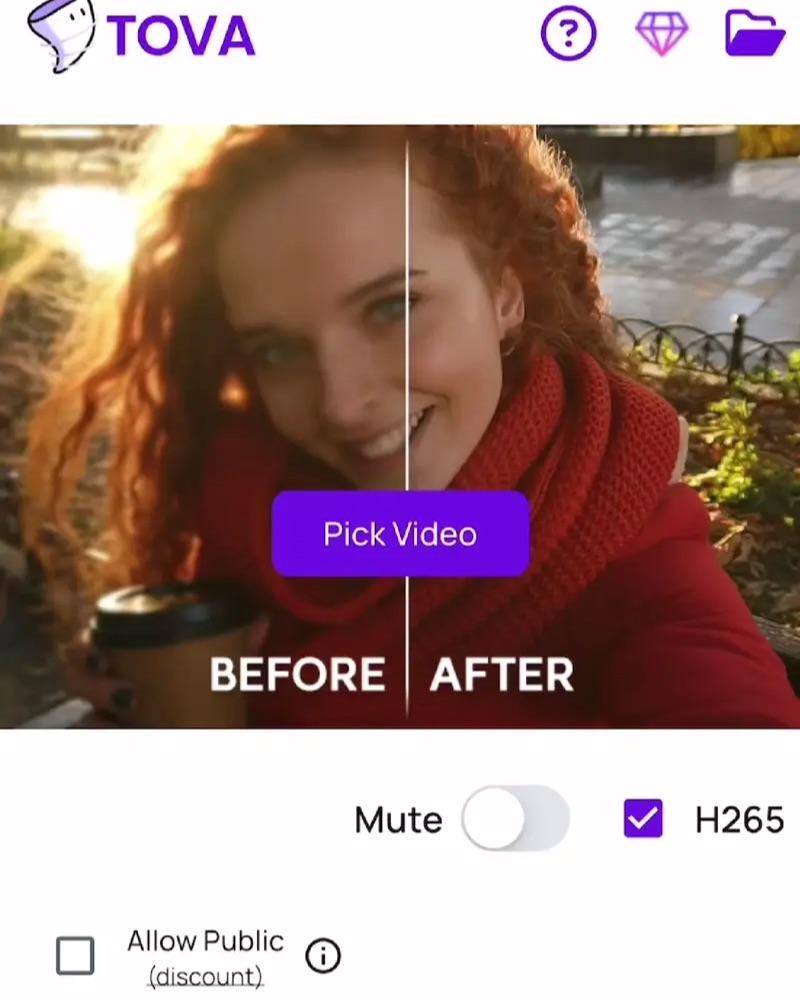
Save original photos and recordings separately before editing. Compare enhancement results closely and choose the version with the most natural faces and details.
02 / Follow these steps
Follow these steps
Choose the audience and a single theme, then select the photos.
Arrange older and recent images in Slide.
Add short names or years where they help explain the image.
Keep music and transitions simple, and check the crop around faces.
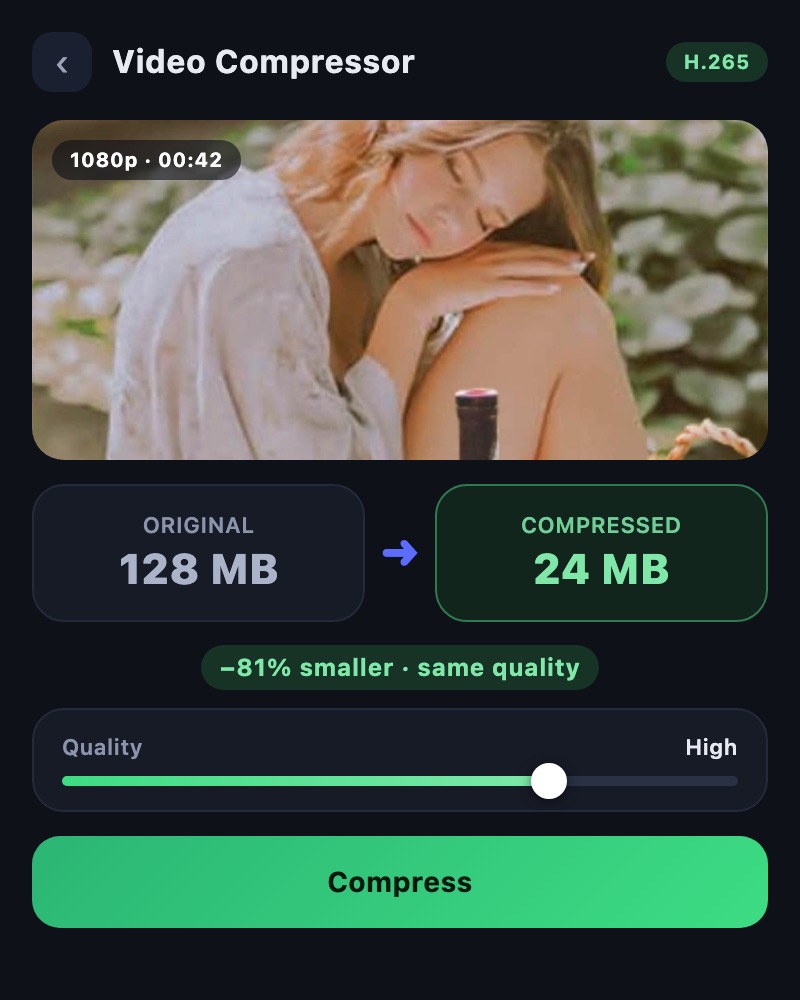
If the final file is large, keep it and compress a separate sharing copy.
03 / Try this sequence
Try this sequence
For an anniversary, move from an early photo together to yearly photos in the same place, then a recent group image. A year and a brief memory can leave more room for reflection than a long explanation.
Before you export
- Are the people pictured comfortable with sharing?
- Are names and years correct?
- Have you saved both original material and the final edit?
Frequently asked questions
Can enhancement perfectly restore an old recording?
Results depend on the source. Enhancement cannot guarantee an accurate reconstruction of missing information. Compare faces and important details, and keep the original.
Available tools and export settings vary by app version and device. Check the app for the terms of AI generation and cloud processing.