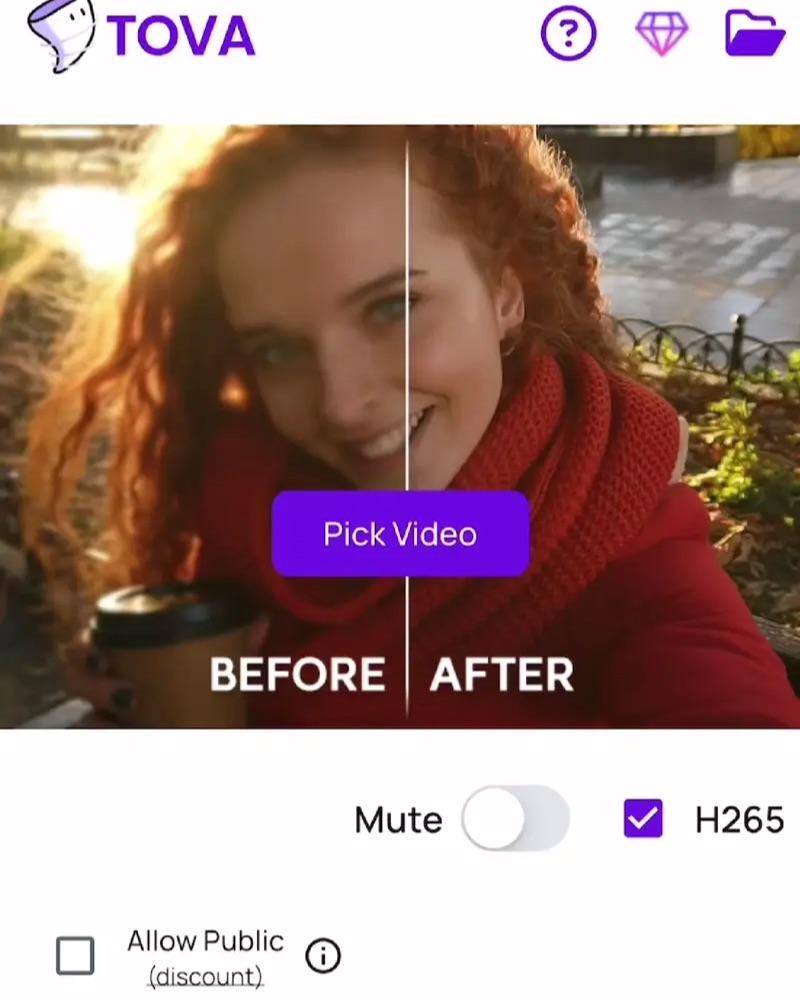
TOVA / YOUTUBE SHORTS
Watch it in action

Why Show Only the Final Look? ✨ Make a Before & After Video with TOVA
Explore an idea for connecting the final look with what came before. The guide below explains review comparisons, shareable transitions and how to choose the two scenes.
Watch on YouTube ↗If the player is unavailable, watch on YouTube.
01 / Before you begin
Before you begin
Compare like with like
Use corresponding scenes and similar framing when reviewing an original and an enhanced result. Distinguish a brighter image from improved detail so the comparison supports a fair visual judgement.
Choose reviewing or storytelling
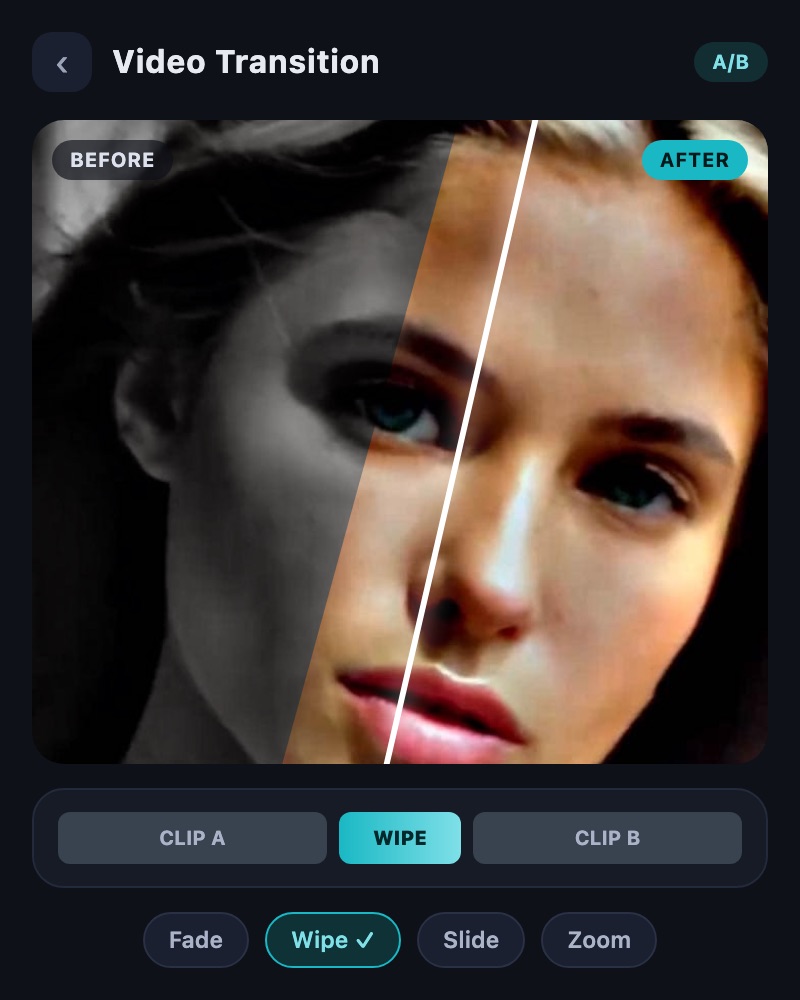
Use Video Comparison to inspect two videos. Use Simple Video Transition when creating comparison content with a transition. Deciding whether you need analysis or a presentation helps you choose the right workflow.
Make the comparison understandable
Explain what the viewer is comparing. If lighting or recording conditions differ, do not present every visible difference as an editing improvement. Choose material that communicates the intended change clearly.
02 / Follow these steps
Follow these steps
Prepare the two videos and open the comparison tool that suits the task.
Choose the scenes and presentation that make the difference easy to inspect.
For a shareable presentation, arrange the transition and explanation, then review the result.
03 / Try this sequence
Try this sequence
When presenting an enhancement, choose the same moment with visible facial or architectural detail. Inspect it side by side first, then use a before-and-after transition for the version you share. This separates checking the result from presenting it to an audience.
Before you export
- Are you comparing the same moment in each clip?
- Are scale and viewing brightness comparable?
- Have you reviewed both obvious and subtle differences?
Frequently asked questions
Does comparison improve video quality?
Comparison helps you inspect or present a difference. Use Quality Enhancer or an upscaling tool for the actual enhancement.
Which comparison interfaces does this guide cover?
This guide covers the public Video Comparison and Simple Video Transition tools, rather than separate development-only comparison screens.
Available tools and export settings vary by app version and device. Check the app for the terms of AI generation and cloud processing.