01 / Before you begin
Before you begin
One video, one useful point
Choose a single point to remember: size, texture or use. A focused message helps you choose the shots you actually need.
Keep color and proportions faithful
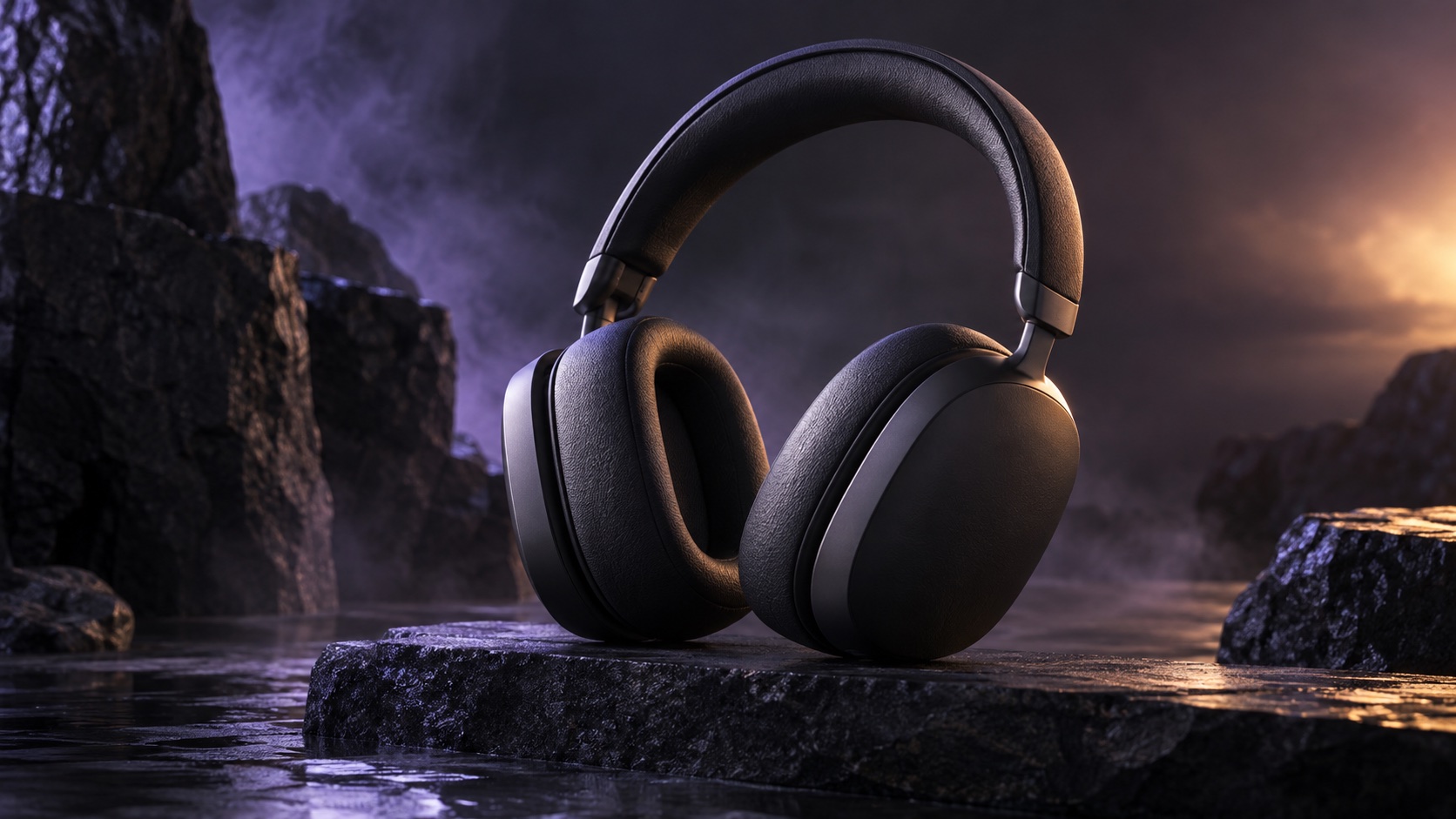
Use adjustments to make brightness consistent. Avoid effects that change the apparent color or shape, and show a hand or familiar object when scale matters.
02 / Follow these steps
Follow these steps
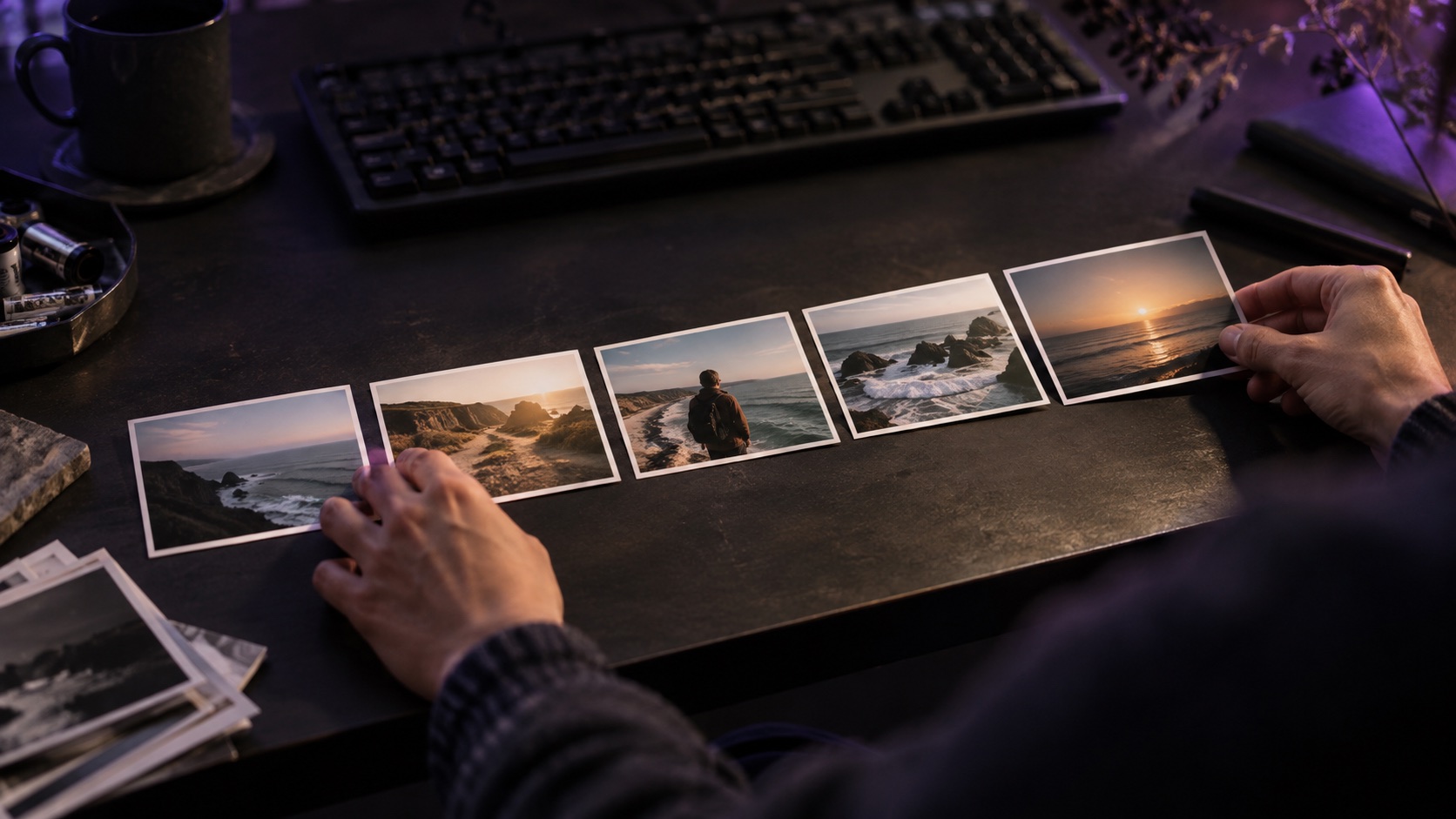
Prepare an overall view, a close detail and a hands-on demonstration.
Arrange the overall view, detail and use scene in Video Editor.
Trim preparation and keep the part that clearly shows the action.
Add one short explanation per scene and lower music under speech.
Check color and text size, then export for the intended viewing format.
03 / Try this sequence
Try this sequence
For a tumbler, try three seconds of the overall shape, five opening the lid, five showing it in a hand, and five showing cleaning. Write captions about observable details such as materials or use.
Before you export
- Are color and proportions faithful to the product?
- Do captions leave the important detail visible?
- Can viewers verify the described benefit in the footage?
Frequently asked questions
Can I start with product photos only?
Yes. Use Slide to sequence overall and detail images. Explain operation accurately in text when a still image might be ambiguous.
Available tools and export settings vary by app version and device. Check the app for the terms of AI generation and cloud processing.