Calories and macros from a photo
Start with your camera or an existing photo to see food, calorie, carbohydrate, protein and fat estimates.
Get to know your meals
Check calorie, carb, protein and fat estimates from a food photo. Adjust what you ate, then keep the moment with a photo and a few words.
Photo calorie analysis · Nutrition records · Your meal journal The app’s main guidance is currently in Korean.
From photo analysis to a meal journal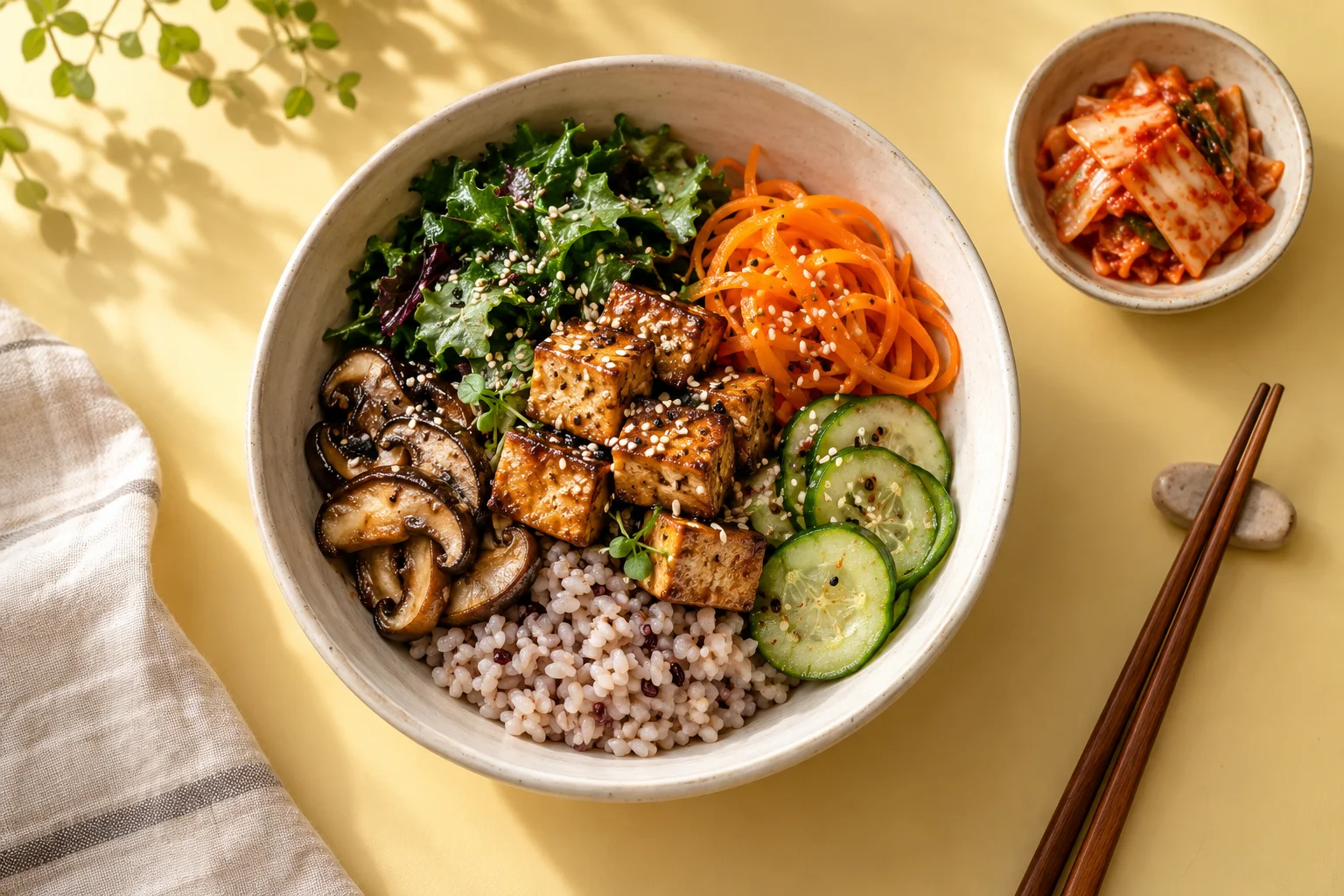
EXPLORE KKINI
Explore photo calorie analysis, macros, restaurant meals and food journaling. Guides are currently in Korean.
Start with a food photo, review its calorie estimate and save your meal.
02Read your macro totals alongside the food and portions you recorded.
03Review shared dishes, smaller portions and food left on the plate.
04Record the menu, sides and your portion, with a note to revisit.
05Use food records, optional weight entries and notes for your own purpose.
06Explore daily, weekly and monthly records, then open the meals behind them.
07Start with photos, text or barcodes, and reuse recent foods or favorites.
08Keep a meal’s moments with a photo and a few words.
Guides are currently available in Korean.
01 / Meet Kkini
Make room for both the nutrition you want to understand and the moments you want to remember.
Start with your camera or an existing photo to see food, calorie, carbohydrate, protein and fat estimates.
Review the food and amount, then edit the entry to reflect what you actually ate, including shared dishes and leftovers.
Save a meal and a few words. Find it again by date, place, food name, note or tag.
Review daily, weekly and monthly records and nutrient trends. Read the figures alongside the days you recorded and each meal’s review status.
YOUR MEALS, IN PICTURES & NUMBERS
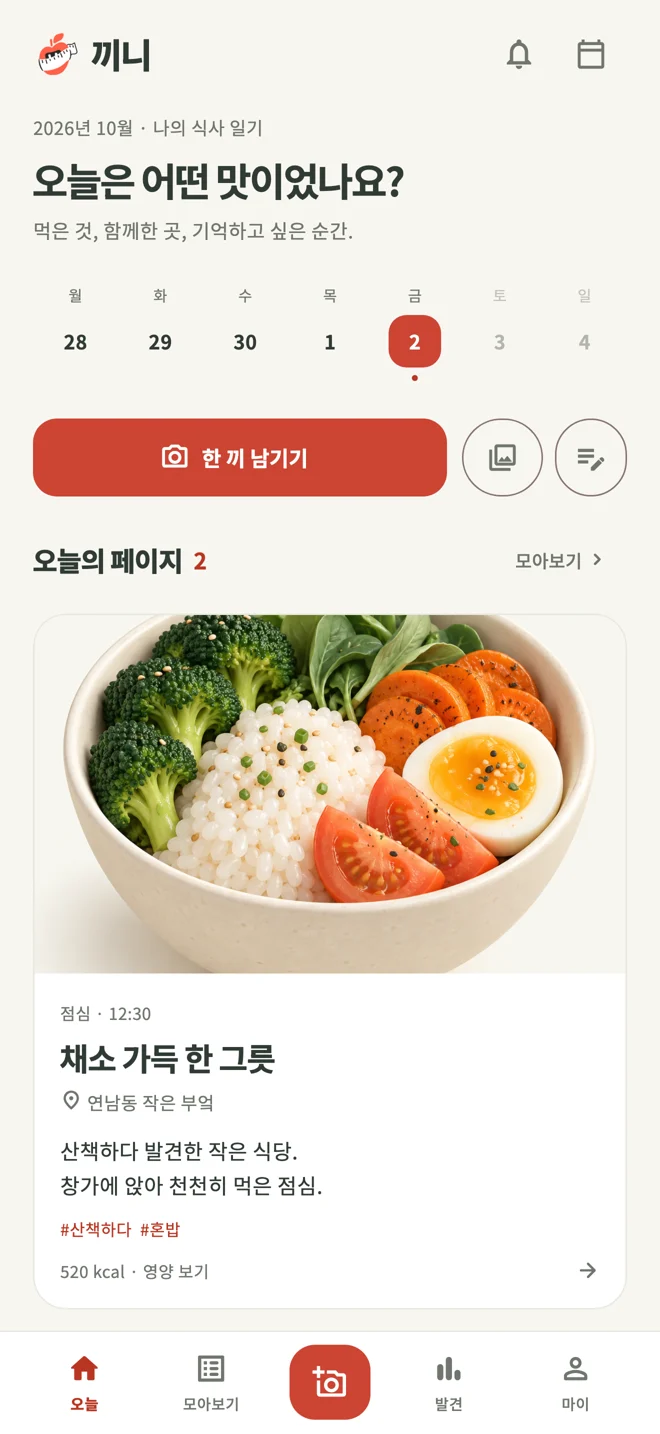
Check a meal’s nutrition today, then revisit its photo and note at the weekend. Each entry keeps both numbers and memories in one place.
Nutrition values estimated from a photo can vary with ingredients, preparation and portion size. Please review and edit them when recording your meal.
Example app screens. Appearance may vary by app version and device.
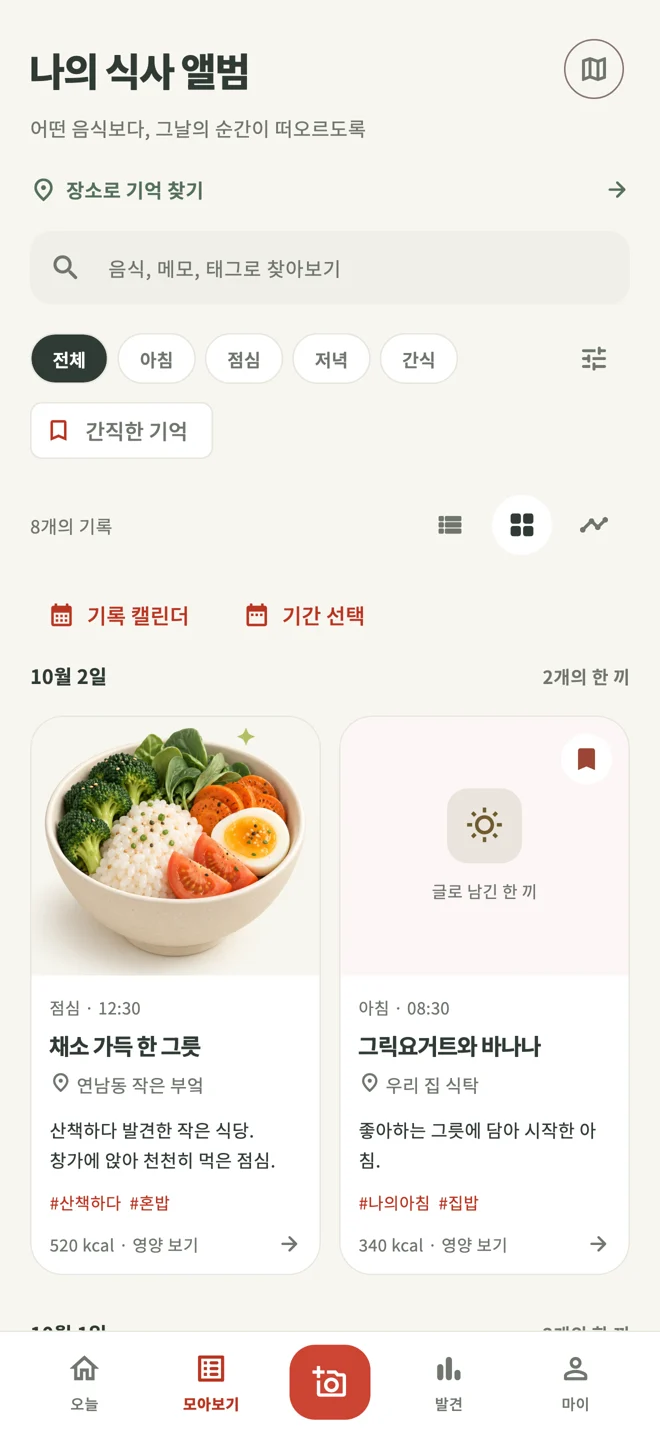
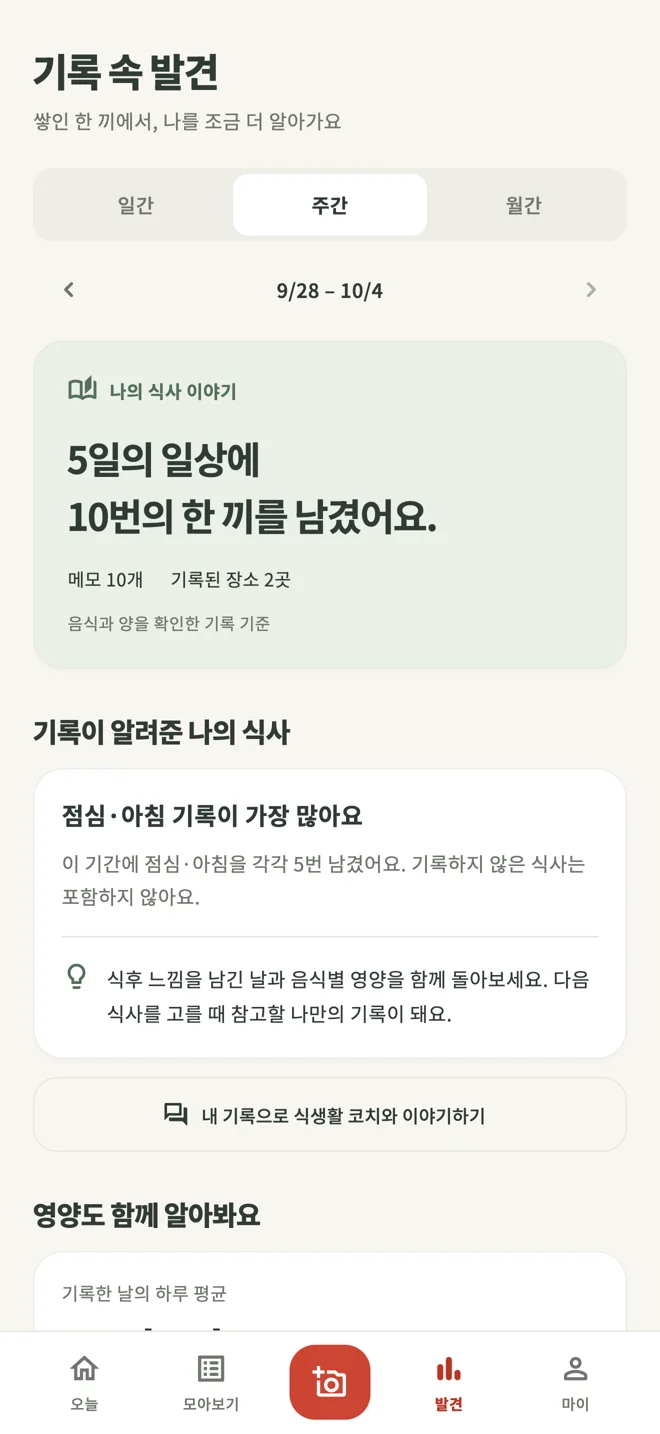
02 / Make a small start
Take a clear photo or choose one from your album. If you missed the photo, begin with a written entry.
Review and edit the suggested food, amount and nutrition. Add a note about the moment, too.
See today’s calories and macros, browse your meal album or explore patterns in your recorded meals.
03 / The Kkini journal · Korean
Read about photo calorie analysis, macros, portions, nutrition reports and keeping a meal journal. Articles are currently available in Korean.

칼로리와 함께 탄수화물·단백질·지방을 기록하고 싶나요? 영양소별 합계에서 실제 음식으로 돌아가 확인하고, 단위와 빠진 기록을 살펴보는 방법을 소개합니다.
예쁜 사진보다 나중에 알아볼 수 있는 사진이 먼저입니다. 평소 식탁에서 부담 없이 사용할 수 있는 음식 사진 기록 팁을 정리했습니다.
모든 끼니를 완벽하게 채울 필요는 없어요. 사진 한 장과 짧은 메모로 시작해 내 생활에 맞는 식사 기록 방식을 찾는 일주일 안내입니다.
A LITTLE MORE
Kkini combines photo calorie analysis with a personal meal journal. Review estimates for calories, carbs, protein and fat, edit the food and portion, and revisit nutrition records alongside meal photos and notes.
Photo analysis provides food, calorie, carb, protein and fat estimates. Review the food and amount against what you ate, make edits and save. The Today summary distinguishes confirmed meals from estimates awaiting review; Discover trends can also include estimates that have not been reviewed.
Yes. You can write about a meal when you do not have a photo. Start with a meal you want to remember rather than trying to fill every entry.
A photo cannot show every ingredient, preparation detail or portion you ate. Values are estimates. Please review the food and portions, and edit the information as needed.
Kkini is available on the App Store and Google Play. Check each store for supported devices, regional availability and in-app purchases.
The app’s main guidance is currently in Korean. This website provides an English introduction; journal articles are currently written in Korean.

ONE MEAL. YOUR STORY.
Review calories and macros, and keep the moment with Kkini.
iOS · Android