
Get the app
Install Tokti Golf from the store for your device.
TOKTI GOLF APP
GPS distances, digital scores and AI scorecard photo input. Keep your game and the memories that come with it in one app.
Free to download · Ads and in-app purchases
Explore courses on the web ↗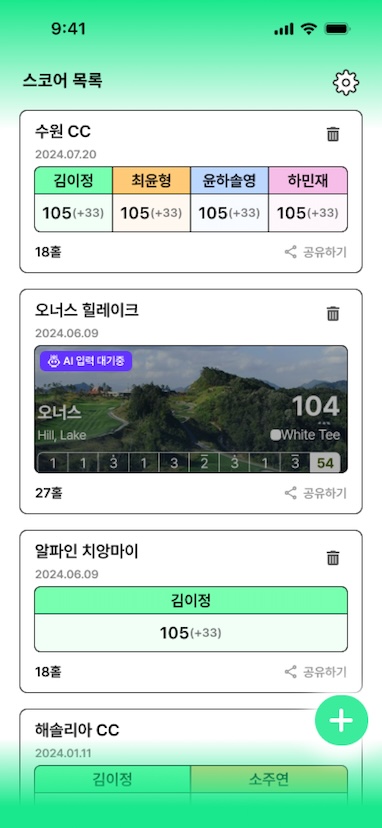
MADE FOR YOUR ROUND
Useful features for every part of your round.
Read the hole with a map and distances to the front, center and back of the green.
Explore this feature 02 /Keep strokes, putts and penalties together, then review the round before finishing.
Explore this feature 03 /Start with a scorecard photo, review the recognized numbers and save an editable record.
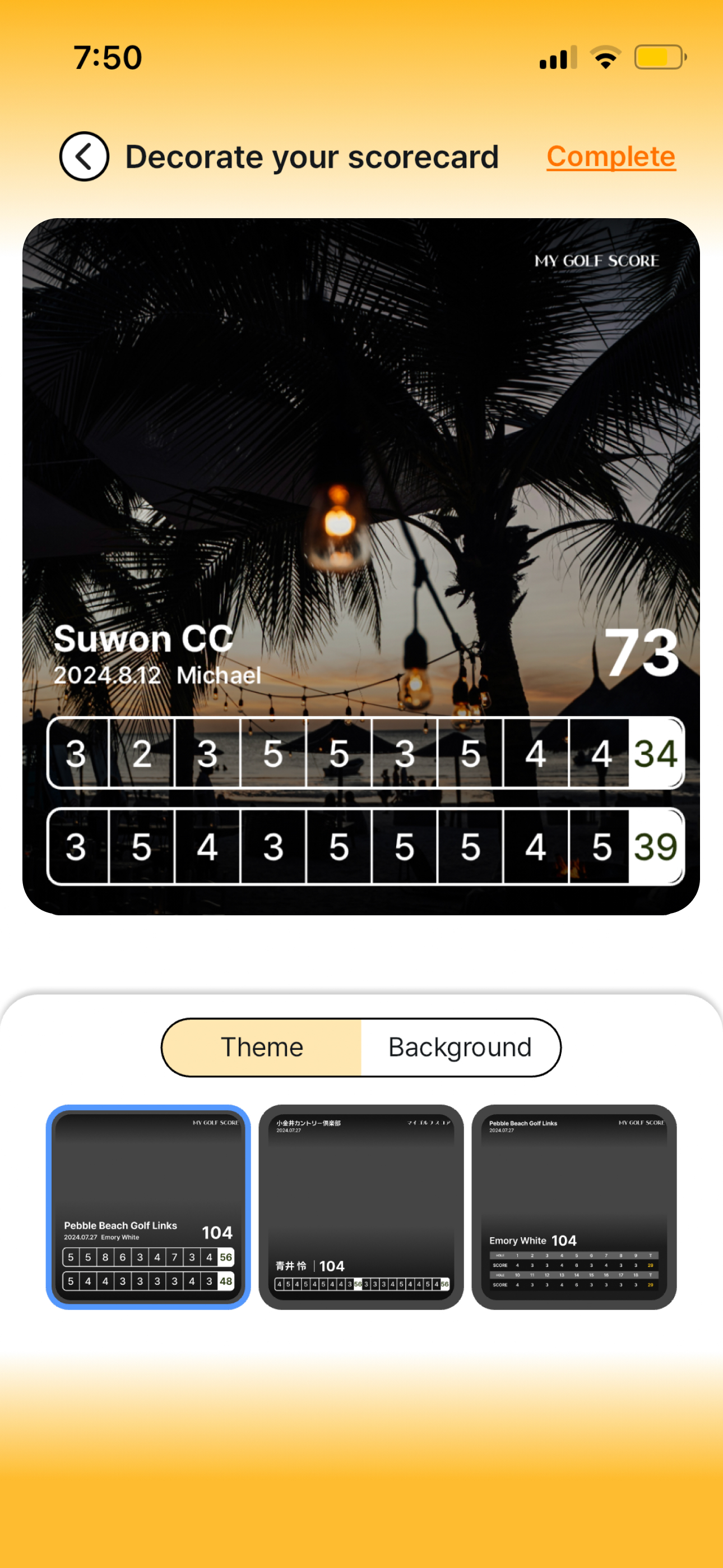
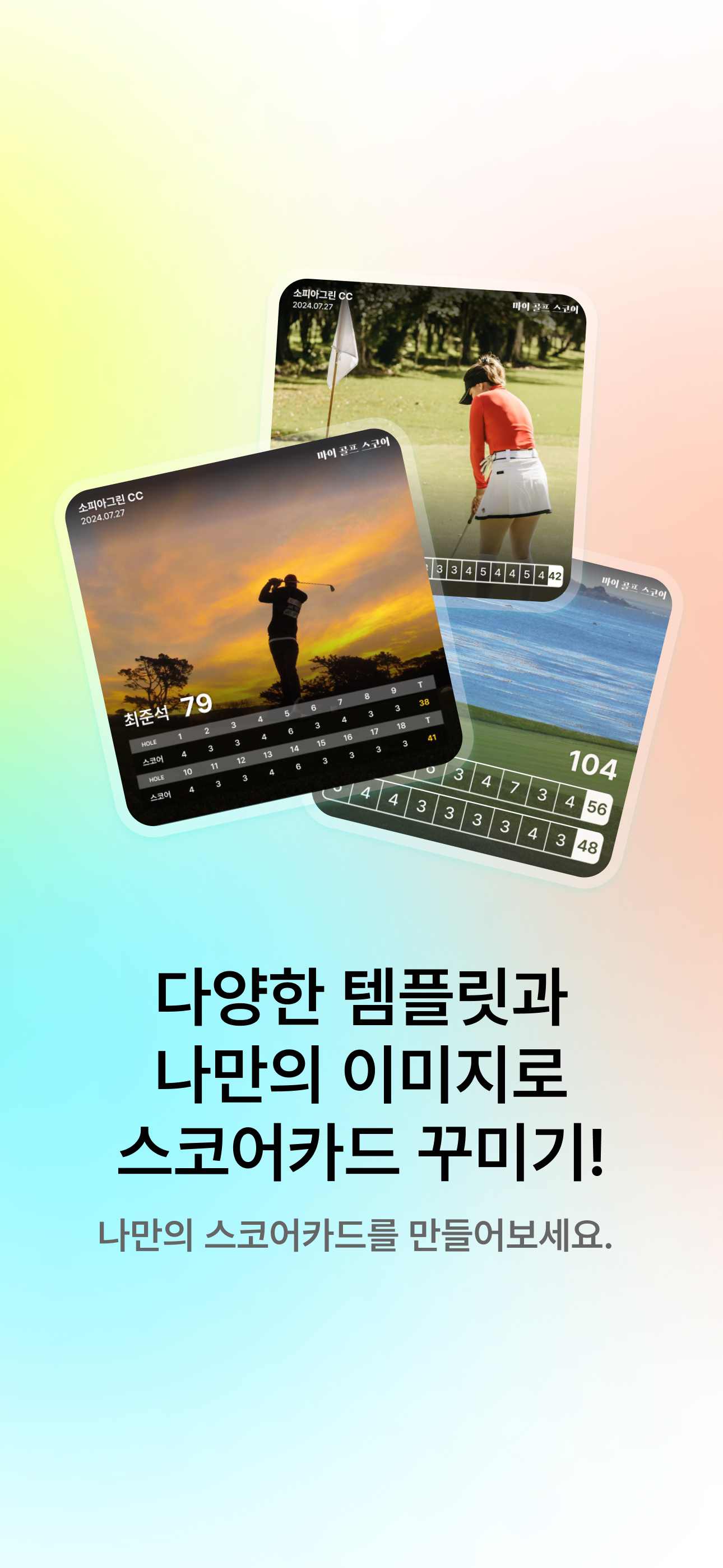
Explore this feature 04 /Choose a template and photo background to make the scorecard feel like your round.
Explore this feature 05 /Save the finished card as an image or send it through your phone's sharing options.
Explore this feature 06 /Collect golf photos and videos in local albums, with course and date suggestions to review.
Explore this featureTHREE SIMPLE STEPS
Install Tokti Golf from the store for your device.
Choose a course and enter your scores, or import a scorecard photo.
Check your record, choose a theme and share the round.
A CLOSER LOOK
App screens and scorecard theme examples. Screen language and design may vary by app version.
The app is free to download and includes ads and in-app purchases. Check your app store and the app for current pricing and paid features.
Allow location access on your device. Distances and course details depend on GPS reception, your device and available course data.
AI photo input turns a scorecard photo into a digital record. Use a clear, well-lit photo and check the recognized scores before saving.
Use the website to explore courses and golf tools. Use the app for GPS distances, recording scores, personalizing cards and sharing rounds.
SEE YOU ON THE COURSE
The great shots. The almost-made putts. Keep it all with Tokti Golf.
iOS · Android · Free to download · Ads and in-app purchases