Information for the next shot
Check GPS distances and hole information where location and course data are available.
Golf video and round records, together in Tokti Golf
What would you like to do?
All featuresRound records
Check GPS distances and hole information while recording your score. After the round, keep the day in a scorecard and an album of photos and videos.
Connect distance checks and scoring with a card and album of your round.
 Enlarge screen
Check GPS distances and hole information where location and course data are available.
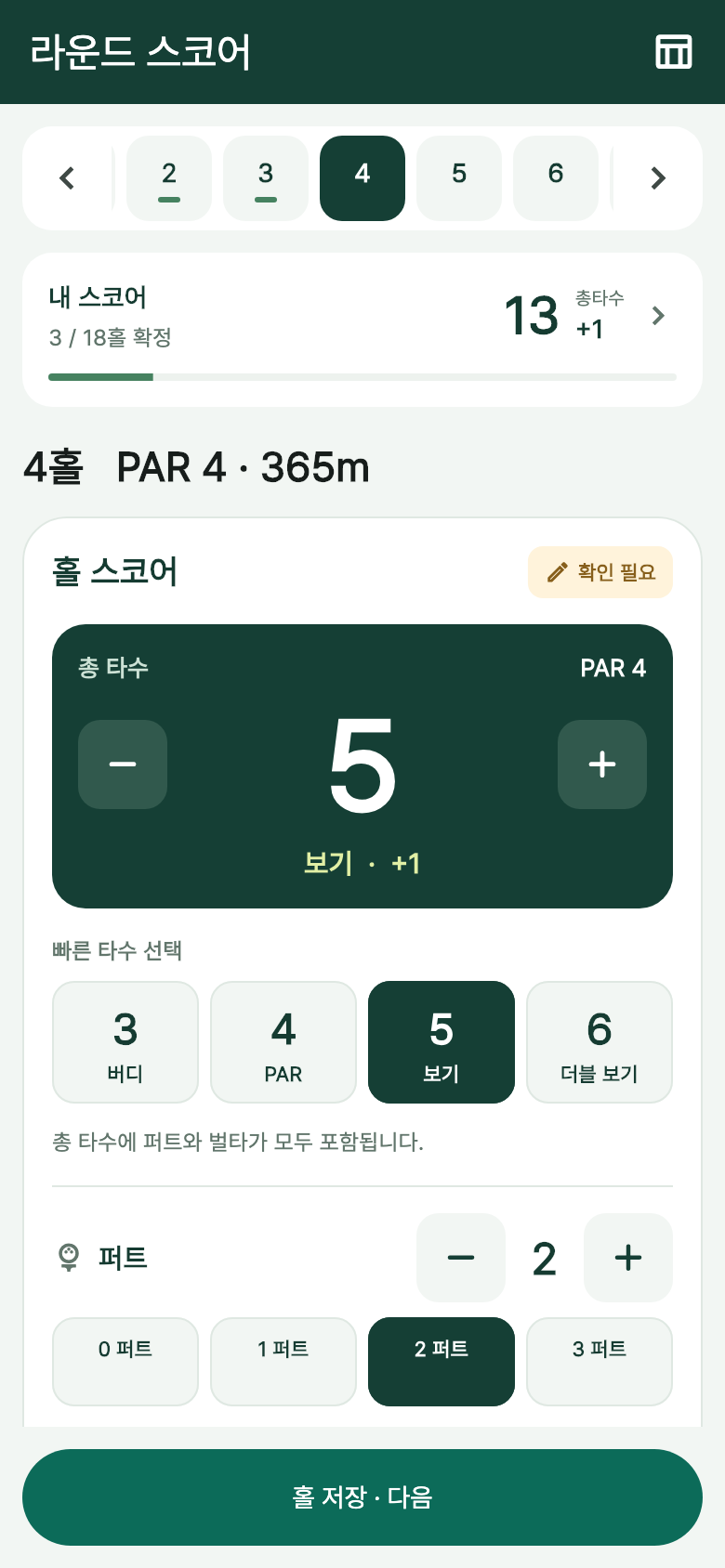
Enter scores by hole or start with a photo of a paper scorecard, then save values you have checked.
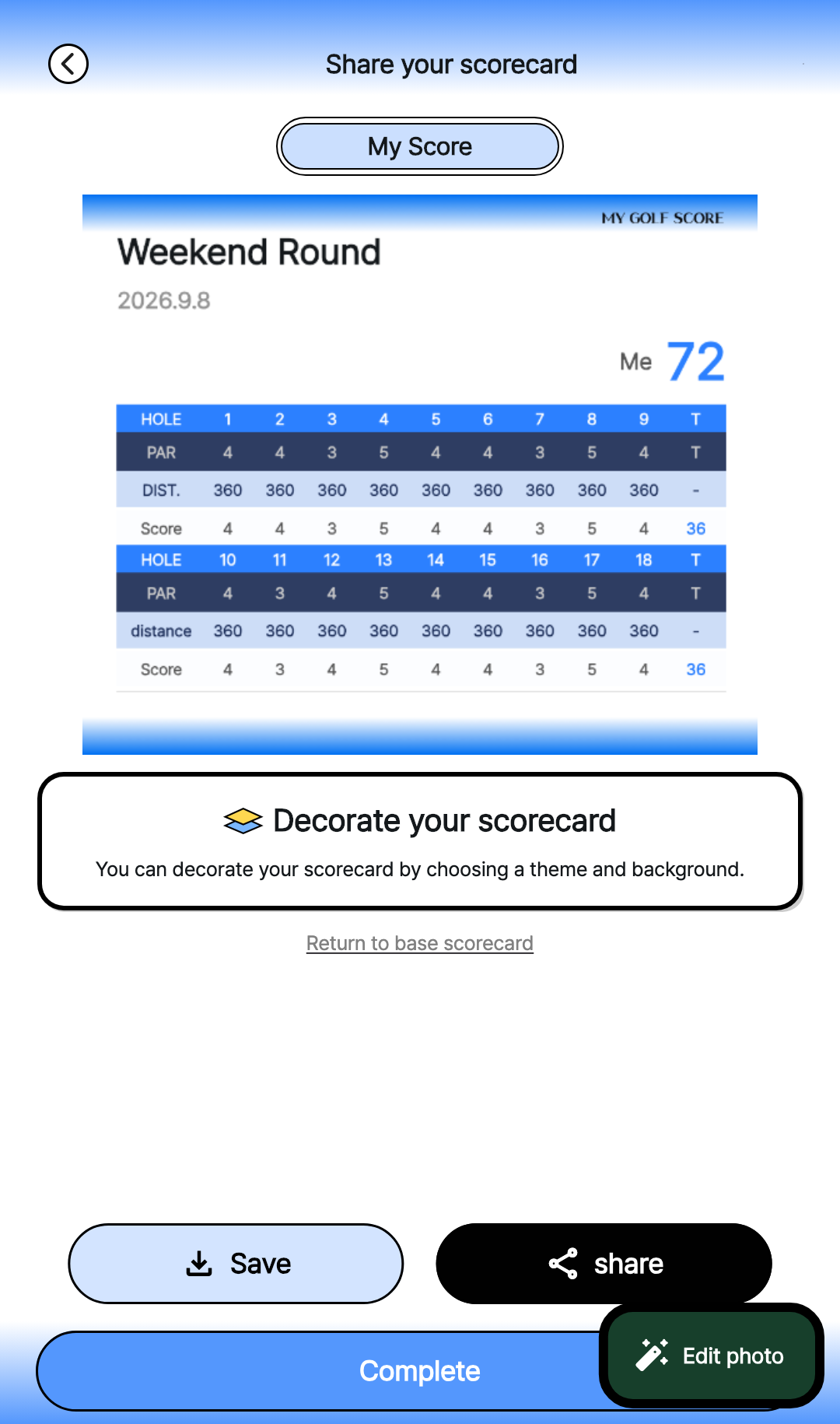
Design a scorecard to save or share, and organize your photos and videos in an album.
App screens
GPS, score entry, cards and albums support different moments in a round. Explore actual app screens with example data to see what you can keep.
Check the distances provided from your location and course data. Confirm that information is available for the course you will use.
Review manually entered or recognized values. Compare photo recognition results with the original card before saving.
Keep a readable scorecard and organize the day's photos and videos into an album you can revisit.
 Enlarge screen
Actual screens from the shared Tokti Player module and Tokti Golf. Records and analysis results use example data; screens may vary by app version.
Getting started
Set up the round details, check location permission and confirm the GPS distance information available.
Enter scores by hole or compare recognized values with the paper scorecard and correct them.
Choose a card design to save or share, then bring the photos and videos into an album.
Explore the details
Start with the complete workflow or go directly to GPS, score entry, photo recognition, card design, sharing or albums.
Keep your rounds with GPS, scorecards and photo-video albums.
Read the hole with a map and distances to the front, center and back of the green.
Keep strokes, putts and penalties together, then review the round before finishing.
Start with a scorecard photo, review the recognized numbers and save an editable record.
Choose a template and photo background to make the scorecard feel like your round.
Save the finished card as an image or send it through your phone's sharing options.
Collect golf photos and videos in local albums, with course and date suggestions to review.
Availability depends on location permission and course information. Before the round, check that the course and distance data you need are available.
You can check and correct recognized scores before saving them. Compare the players, holes and numbers directly with the original card.
You can create and organize a device album without a score record. Check your installed app for conditions that apply to online sharing.
Saving keeps the result, while sharing sends it through the app or to the recipient you choose. Check the card's scores and the destination before sharing.

TOKTI GOLF · Round records
Install Tokti Golf to check distances and record scores, then bring the day together in a card and album.
Check the store for device support and in-app purchase details. Check the installed app for available features and analysis conditions.