

Little moments,
kept forever
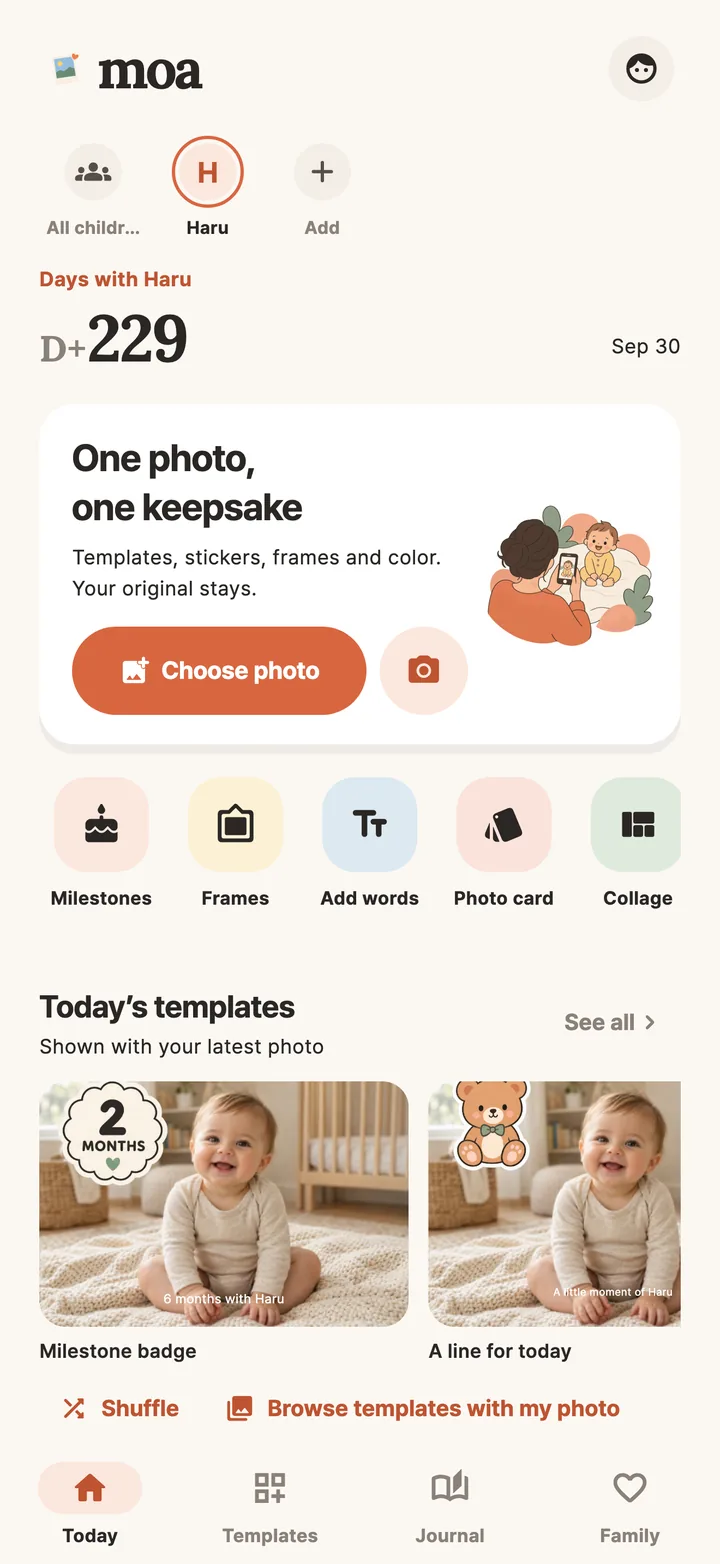
Choose one baby photo and compare templates rendered with your own picture. Add a name, an age or a little message, then keep the story with the photo as your child grows.


From photo cards to a memory book
Exactly what Moa does today, as listed on the store.
See your photo in every design
Compare template previews with your own photo before applying one. Looks for everyday moments, monthly milestones, birthdays, little firsts and seasons, suggested by age and special dates.
Pick a look, add your touch
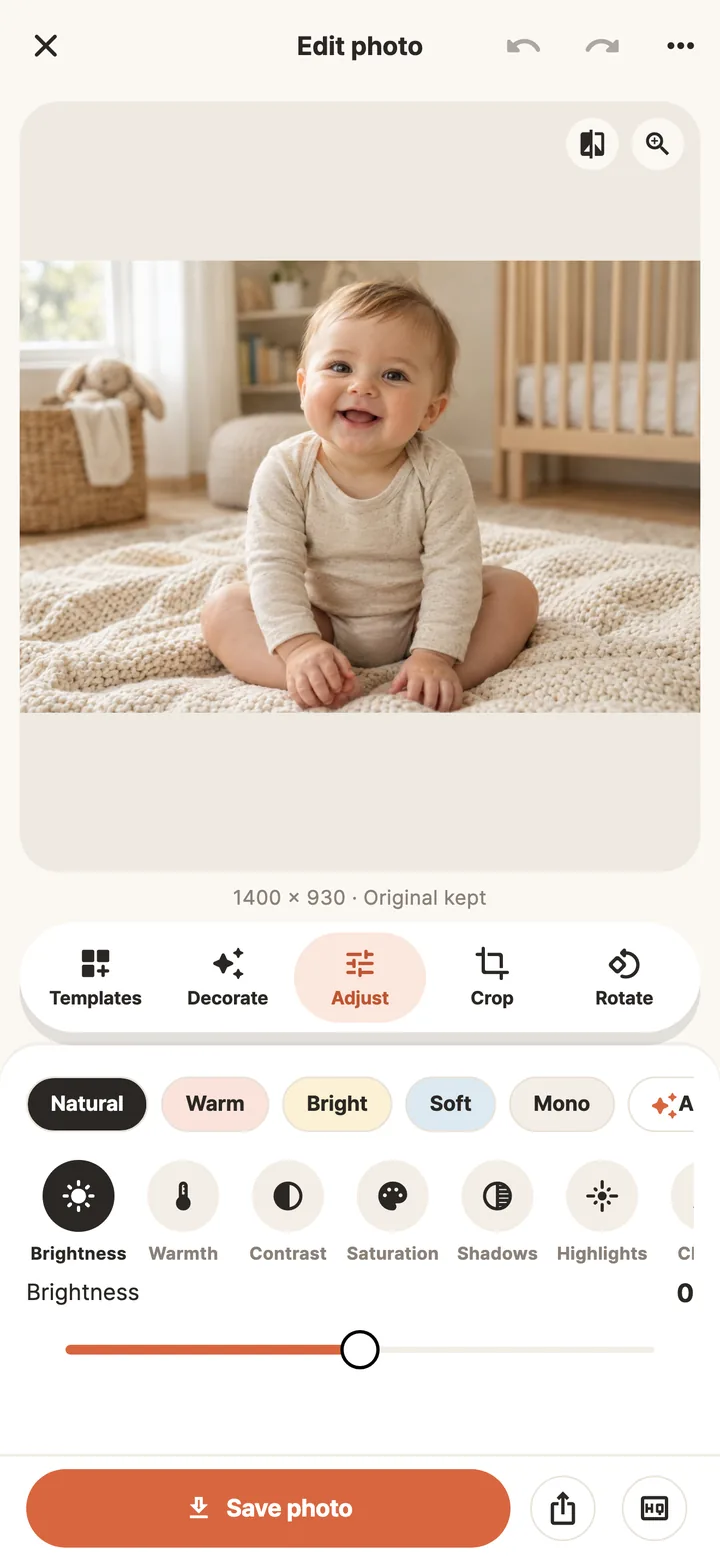
Brightness, contrast, saturation and warmth, crop and rotate, text, stickers, frames and drawings. Originals and settings are kept so you can edit a saved photo again.
Keep the story with the photo
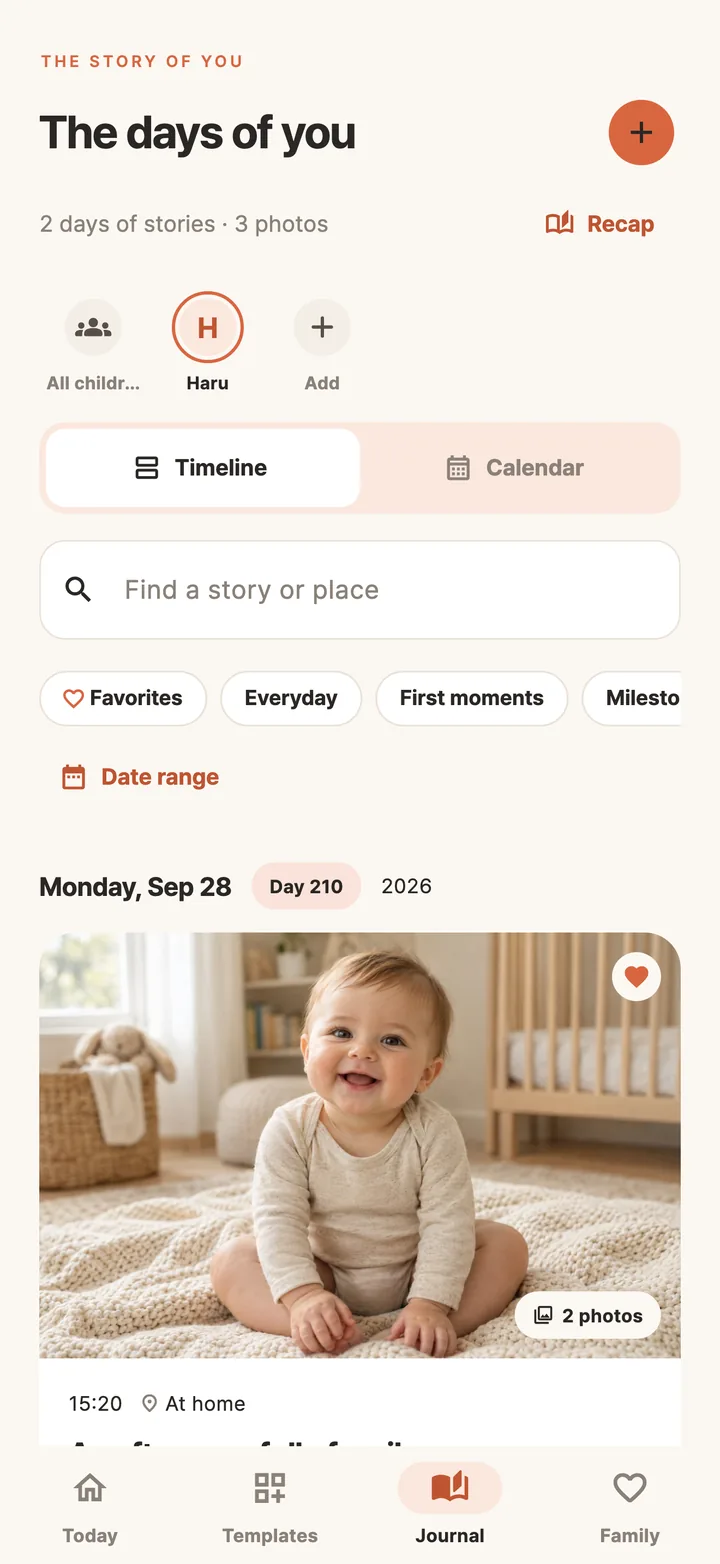
Add a name and birthday to count days and months. Record photos and videos with dates, stories, places and tags, and browse a timeline or photo calendar for each child.
Make a keepsake
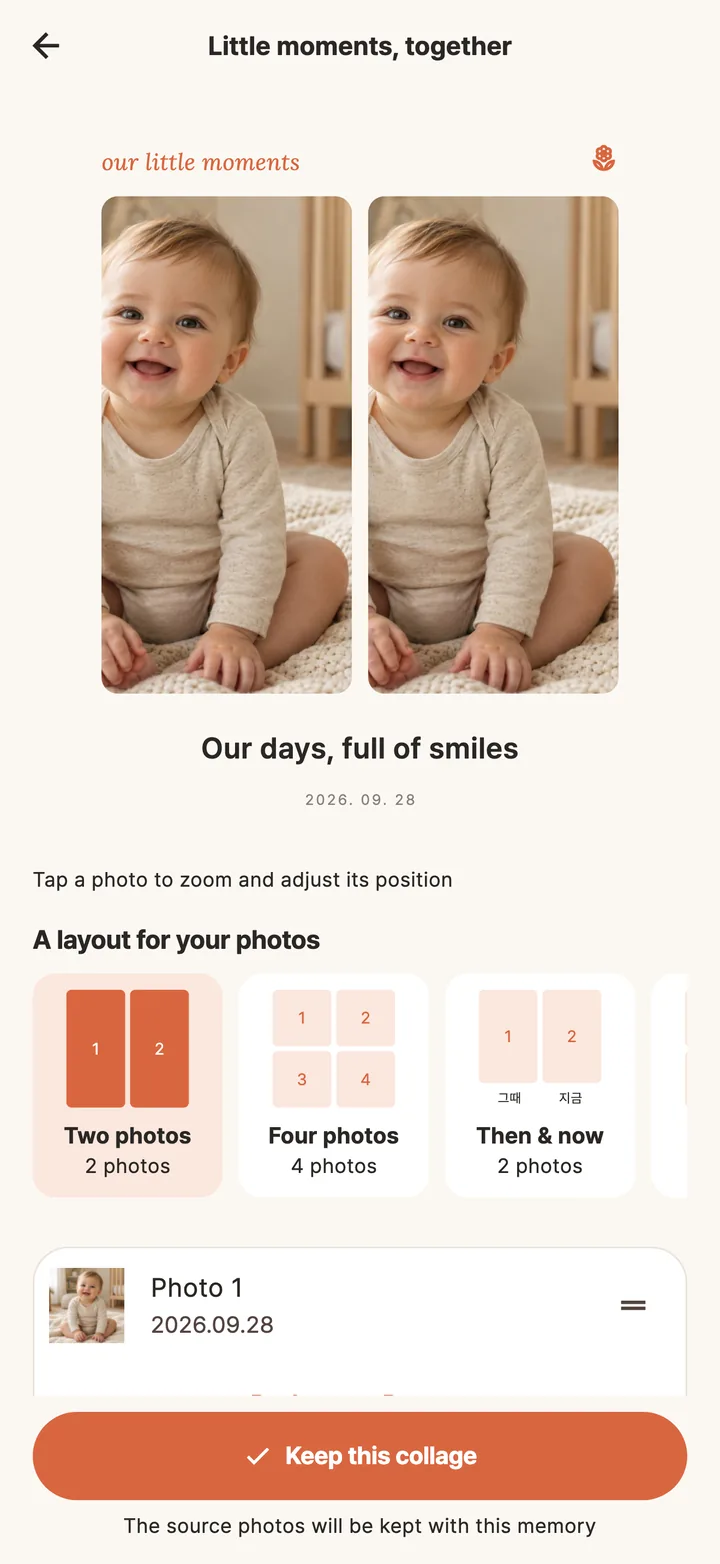
Bring photos together in a collage or a then-and-now comparison. Turn photos and stories into a PDF memory book, or photos, captions and music into a short memory movie.
Share with family
Save or share finished photos and choose which records go to the family album. Invite family members with viewing or posting permissions.
Your records, on your device
Personal records stay on your device by default. Export and import backup files; private cloud backup and family sharing are optional.
Keep a backup before changing devices or uninstalling the app.
A look inside
Real app screens.
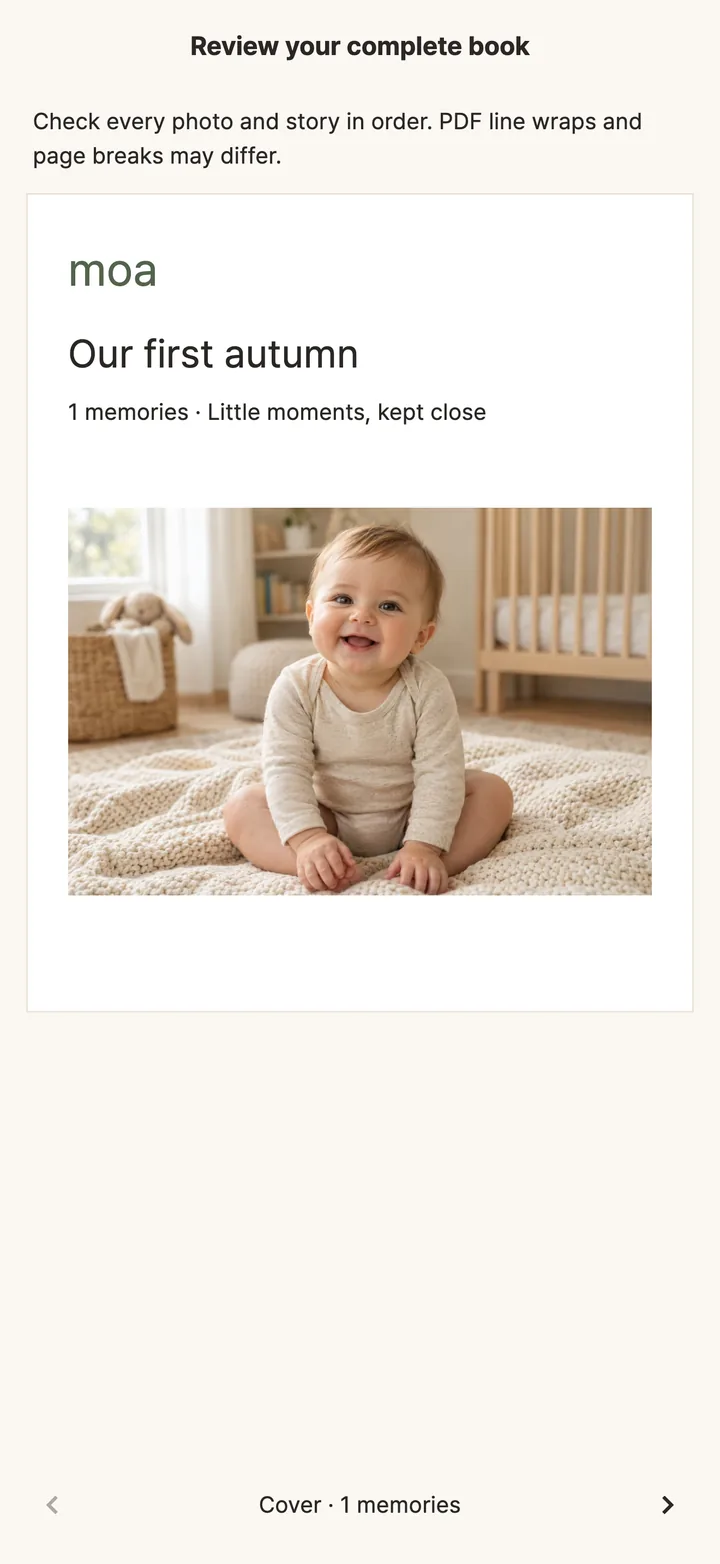
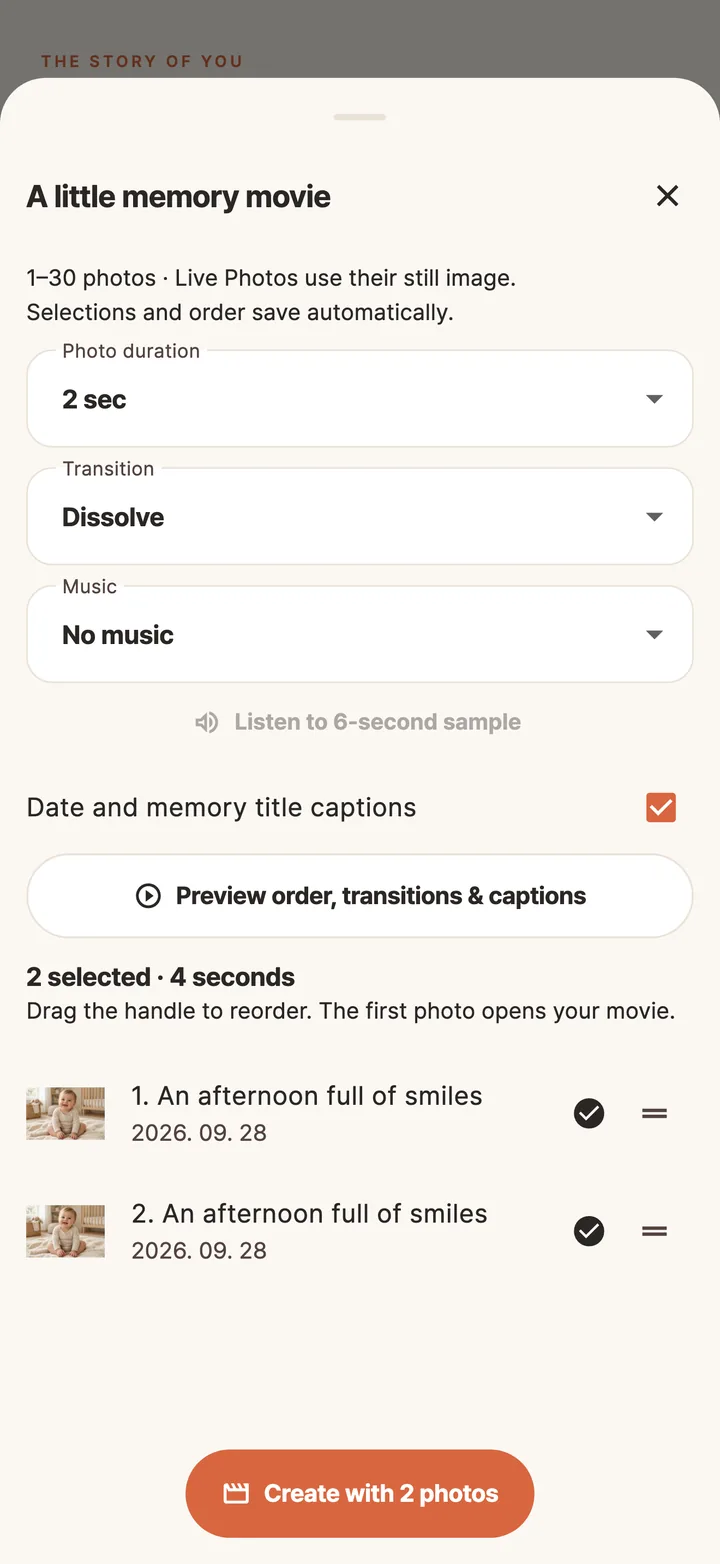
How it works
Choose a photo
Pick one from your gallery or take a new one. A single photo is enough to start.
Compare and refine
Browse designs rendered with your baby photo, move the text and decorations, adjust the colors.
Save and record
Save or share, make a photo card, and keep it in the journal with a date and a story.
Start free, go Premium if you like
Basic journals and editing stay free.
Basic journal and editing
- Template previews, decorating, color, crop
- Per-child timeline, photo calendar, search
- Photo cards, collages, PDF memory book, memory movie
- On-device storage and backup export
- Includes display ads
Monthly or yearly auto-renewing subscription
- No display ads
- Premium stickers, backgrounds and artwork
- Everything in Free
AI photo studio creations use separate credits. Review the price and terms in the app before purchase; manage or cancel in your store subscriptions.
FAQ
Where are my baby photos stored?
How does family sharing work?
Is AI photo creation free?
Is there an iPhone version?
How do I delete my account and data?
Moa is for parents and caregivers. Photo and camera access is used when you choose, capture or save photos. This app contains Google AdMob advertising.
Get started today
Get Moa on Google Play and start with one photo today.
Apps that go well together
Every Tokti Lab app is listed on tokti.ai.

Korean baby names
Photo nutrition & meal journal

One photo, many uses